
TL;DR
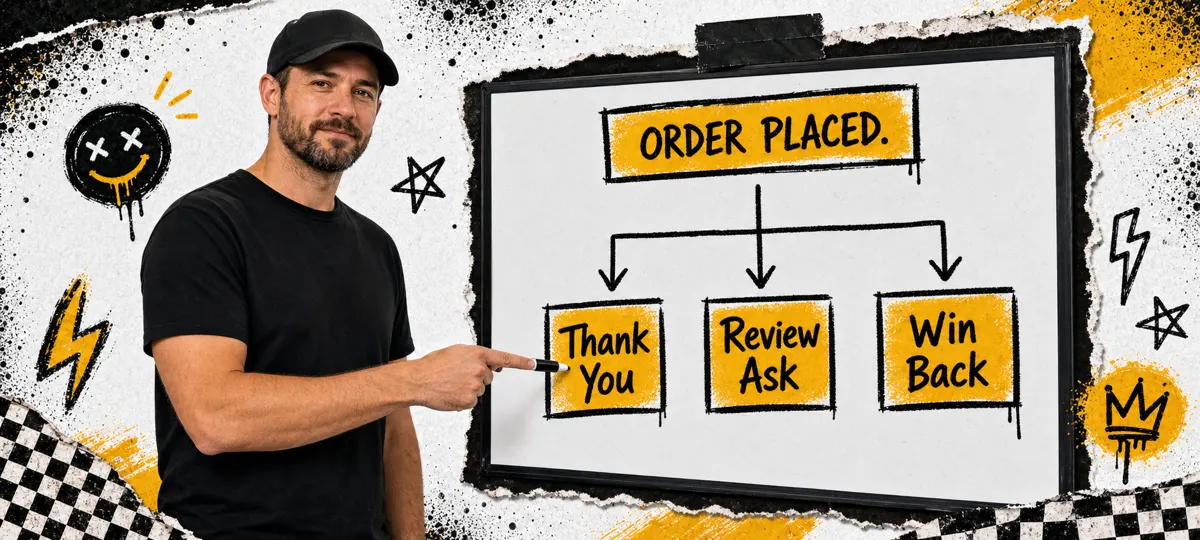
Stop asking in person. Ask while the visit is still fresh, then automate it. Send one direct review link 60 to 120 minutes after the visit, suppress repeats for 30 days, and respond to every review within 24 hours. Consistency beats begging.
When was the last time you tried a new restaurant without checking the reviews first? Most diners do the same thing. They search, they scan the stars, then they open the newest reviews to see what happened last week, not last year.
Most food businesses know reviews matter. Almost none have a system to get them. That leaves staff improvising at the register, owners posting the occasional Instagram reminder, and everyone quietly hoping guests follow through.
Asking face to face feels pushy and puts the guest on the spot. There's a better way. Automate the ask, time it right, remove friction, and build the habit of responding. That's how you stack review velocity without being annoying.

Why Google Reviews Matter More Than Ever
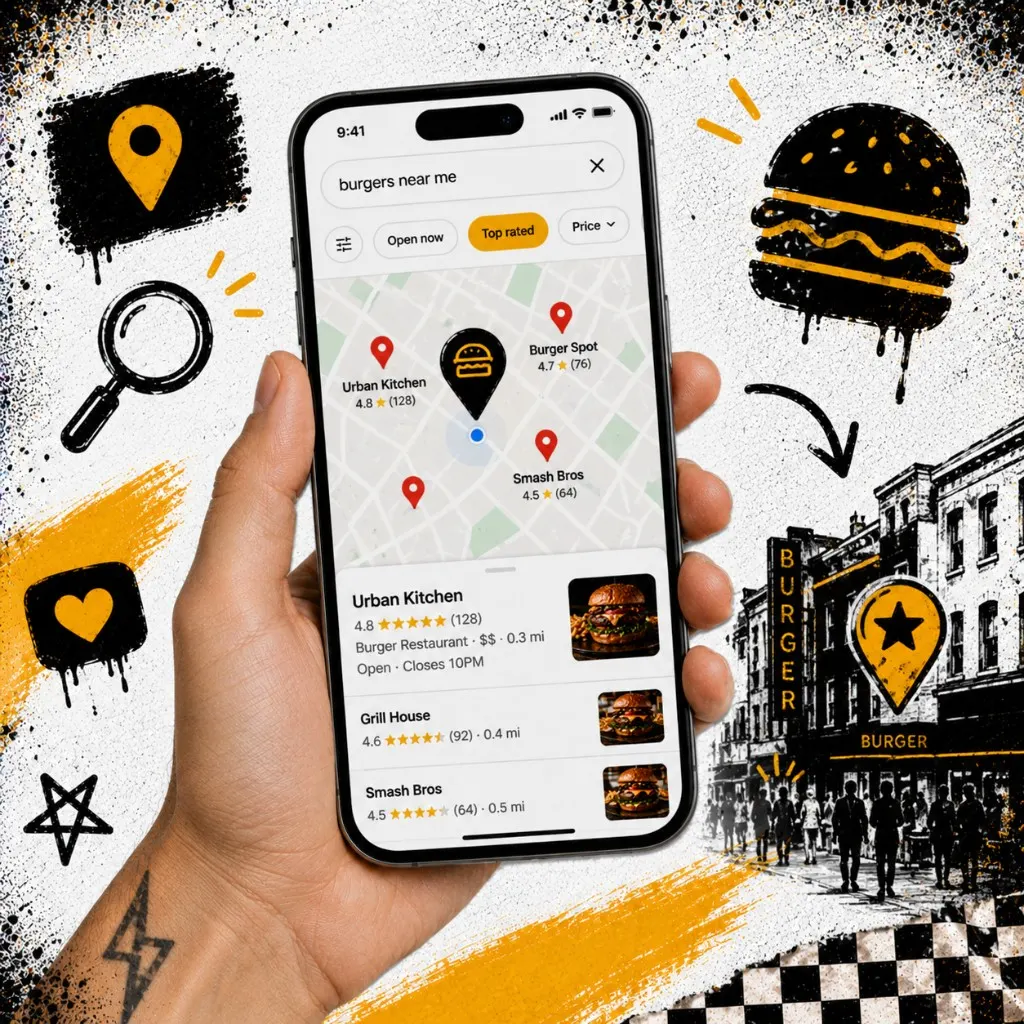
Google reviews are a front-door decision filter. For restaurants, the local pack is often the finish line. Guests pick from what is on the map, not what is buried on page two. That's why restaurant SEO work always circles back to reviews.
Google cares about quantity, quality, and recency. Recency is the one most operators ignore. A restaurant with hundreds of reviews but nothing in six months looks stale. A smaller spot with steady new reviews looks active and relevant, even if the total count is lower.
That's the compound effect. More reviews lift local visibility. More visibility drives more first visits. Those visits produce more review opportunities. Once the flywheel is running, you stop chasing random guests and start collecting from people who already had a good visit.
The Timing Secret
Most restaurants ask at the wrong time. Mid-meal feels intrusive. At checkout puts the guest on the spot. Days later, the experience has faded and the message gets ignored.
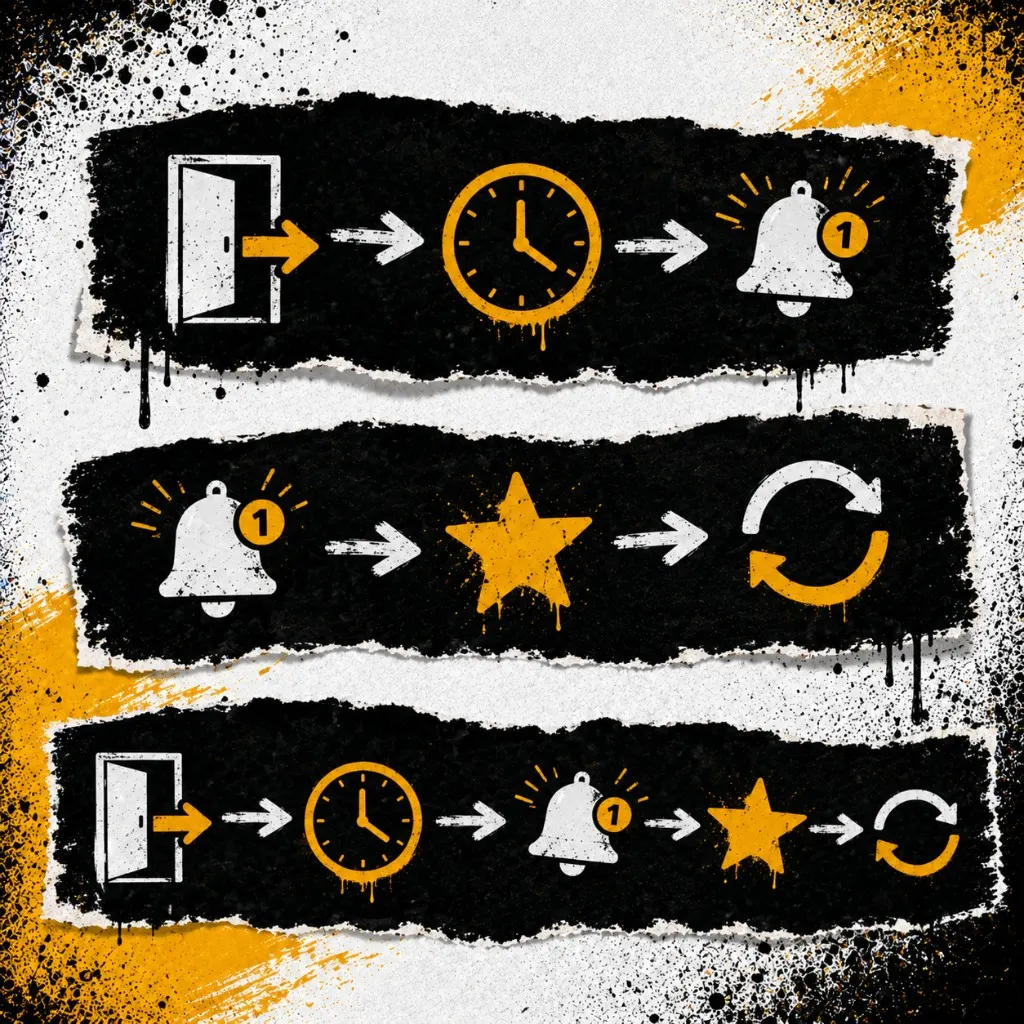
The best time is 1 to 2 hours after the visit or order. The guest is back to real life, the meal is still fresh, and they can respond in one tap. It feels like a follow-up, not a public shakedown.
Too soon feels robotic. Too late loses the emotion. Aim for the sweet spot. Send a text or email with a direct link to the review form, not just the listing page. Less friction, more completions.
Setting Up Automation
The manual approach is what most operators do. Remember to ask. Hope they follow through. End up with two reviews a week if you're lucky.
Automation flips it. Every customer gets a request at the right time. Staff doesn't have to say a word. The system keeps running even when the restaurant is slammed, which is usually when reviews dry up the fastest.
Step 1: Collect customer contact info
- Phone number at checkout for texting (best response rate)
- Email from online orders
- Loyalty sign-up when guests opt in
Step 2: Write the request message
Keep it short. Use their name if you have it. Ask once. Make the link direct to the review form, not just the listing.
Step 3: Set the trigger
- Choose a tool: POS integration, CRM, or a service like Outbites
- Set the trigger for 90 minutes after order completion
- Suppress repeat requests. A good default is once per customer per 30 days

Common Mistakes That Kill Review Velocity
Most operators don't have a review problem. They have a habit problem. The same five mistakes show up everywhere.
- Asking only the regulars. They already love you. Reviews from new guests carry more weight with prospects scanning your listing.
- Linking to the Google Business Profile homepage instead of the direct review form. One extra tap kills 30 to 50 percent of completions.
- Sending a request the next day. By then the meal is a memory. The 60 to 120 minute window converts at a much higher rate.
- Offering a discount or freebie in exchange for a review. That violates Google's policy and can get reviews removed or your listing flagged.
- Ignoring negative reviews or arguing in the replies. Prospects read those threads. Calm, professional responses build more trust than a perfect star average ever will.
Fix any one of these and your weekly review count climbs. Fix all five and the system runs itself.
Responding to Reviews
Responses are part of the system. They show you're paying attention. They make it safer for guests to leave honest feedback. They also give prospects extra context, because people read the replies as much as the reviews.
For positive reviews: thank them by name, mention a specific menu item or detail from their visit, and invite them back. For negative reviews: skip the defensiveness. Apologize for the experience, keep it short and professional, and move the fix offline with a phone or email.
Set a response time goal. Within 24 hours is a strong standard. Same day is better.
Templates
Response templates

Turning Reviews Into Marketing Content
Your reviews are free marketing content. Don't leave them sitting on Google. Screenshot the best ones for Instagram stories, add a wall-of-love highlight, quote reviews in your email newsletter, and pull snippets onto your website.
This creates its own loop. A guest leaves a review. You share it. Other guests see the social proof. They visit and leave their own. Your reputation compounds.
What 50 Reviews in 30 Days Actually Looks Like
The math is simpler than most operators expect. Fifty reviews in 30 days is about 12 a week. If your restaurant serves 300 ticketed visits in a week and you collect contact info on half of them, that's 150 review requests going out. A 10 percent completion rate gets you 15 new reviews a week. You're already over target.
Three things move that completion rate the most: timing, message quality, and link friction. Get those right and you don't need a giant guest base. A 75-seat lunch and dinner spot can hit the goal in a normal month.
If you're collecting contact info on fewer than 30 percent of visits, fix that first. Reviews follow the data you own. Tools like listings management and an integrated ordering flow make capture the default, not the exception.
Make Reviews a System
Getting reviews doesn't have to feel awkward or eat up your day. Automate the ask, time it right, respond fast, and repurpose the best lines. Fifty new reviews in 30 days is achievable when you treat it like a system, not a favor.
30-day challenge
Take the 30-Day Review Challenge
Track your progress. Keep the habit. Keep it simple.
Daily check-ins
Daily rule
Send your review request once, to every eligible guest, 60 to 120 minutes after the visit. Respond to every review within 24 hours.
Review Strategy FAQs
Templates
Common questions about review automation
Automate your review requests
Outbites sends every guest a one-tap review link at the right time, suppresses repeats, and keeps your local search profile growing. Your staff doesn't have to lift a finger.
See the Reviews Engine
Katie Carswell
Account & Social Media Manager
Sharing firsthand stories and lessons learned from running an independent restaurant: margins, marketing, and owning your customer relationships.
How this guide was put together
This article was written for independent food businesses looking for practical ways to grow direct orders, repeat visits, and customer relationships. We keep the advice operator-focused, avoid generic playbooks, and update posts when the restaurant marketing landscape changes.