TL;DR
Set per-head quote math and minimums before you publish the link. Collect a deposit at checkout (25–50% is common). Run fixed pickup windows with a hard cap per slot. Close checkout at 80% capacity.
Office lunch catering looks simple until the $1,200 ticket lands in the same checkout as a $14 bowl. Walk-up guests want speed. Catering guests want a quote, a deposit, and a pickup promise three days out. Run both on one generic link and you'll either undercharge on labor or bury the expo line in modifier questions.
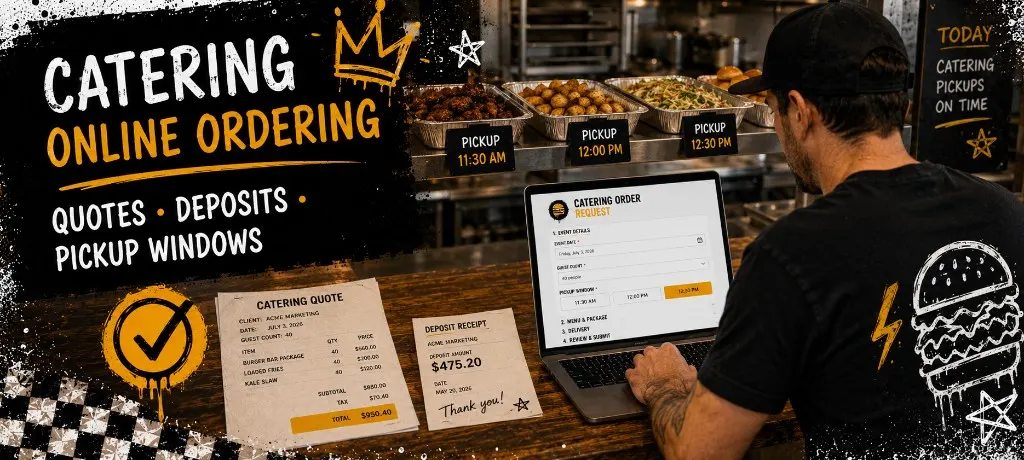
This guide covers quotes, deposits, and pickup windows for restaurant catering online ordering. For capped event pre-orders on trucks and pop-ups, see the event pre-order ops guide. For pop-up launch timing, pair it with the pop-up restaurant playbook. For the product side, see Outbites catering.
Why Catering Checkout Is Not Your Taco Link
Daily ordering optimizes for speed: small tickets, short prep, guests who already know the menu. Catering optimizes for clarity: bigger tickets, batch prep, guests who need headcount fields, dietary notes, and a date on the calendar. Same brand. Different checkout rules.
- Tickets run $800–$3,000 instead of $12–$40
- Guests need per-head math and a minimum order before they commit
- Kitchen needs 48–72 hours to batch proteins and pack by company
- No-shows hurt more when you've already fired 80 lunches
Quotes, Minimums, and Per-Head Math
The PDF quote loop dies the moment someone asks to add five vegetarians and change pickup from 11:30 to noon. Structured checkout beats email every time. Publish package tiers with a per-person price, a headcount field, and a minimum that protects your labor.
- Three packages max: one protein-focused, one vegetarian-friendly, one premium add-on bundle
- Per-person price visible at checkout, not buried in an attachment
- Flat delivery or setup fee as a separate line so guests see the full ticket
- Minimum order threshold that blocks checkout until the math works
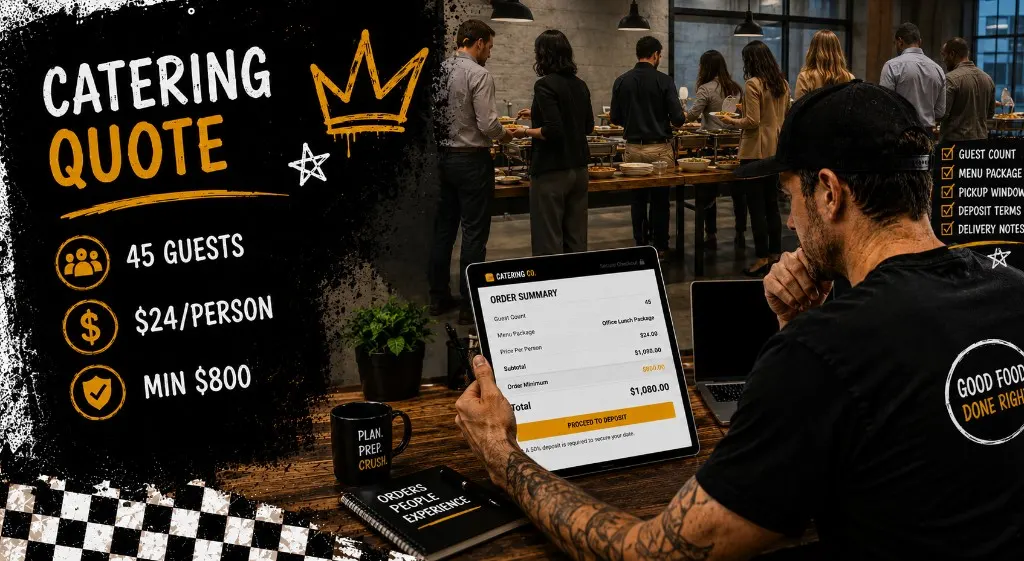
Run the quote math below before you publish the catering link. If 30 guests at $22/person doesn't clear your $800 minimum, you'll find out now instead of on a Tuesday morning call with HR.
Deposits and Balance Due Dates
A catering no-show without a deposit is food cost and labor you can't get back. Most operators collect 25–50% at checkout and charge the balance a few days before pickup. The deposit locks the date. The balance due date keeps you from chasing invoices the morning of the event.
- 25% deposit for repeat office accounts with a payment history
- 50% deposit for new corporate clients or wedding-adjacent events
- Balance due 3 days before pickup for batch prep planning
- Refund policy written in checkout notes: what's refundable if they cancel inside 48 hours
Use the planner below to set deposit percent and balance due timing. Copy the schedule into your confirmation email or checkout notes so guests know exactly when each payment hits.
Pickup Windows That Match Batch Prep
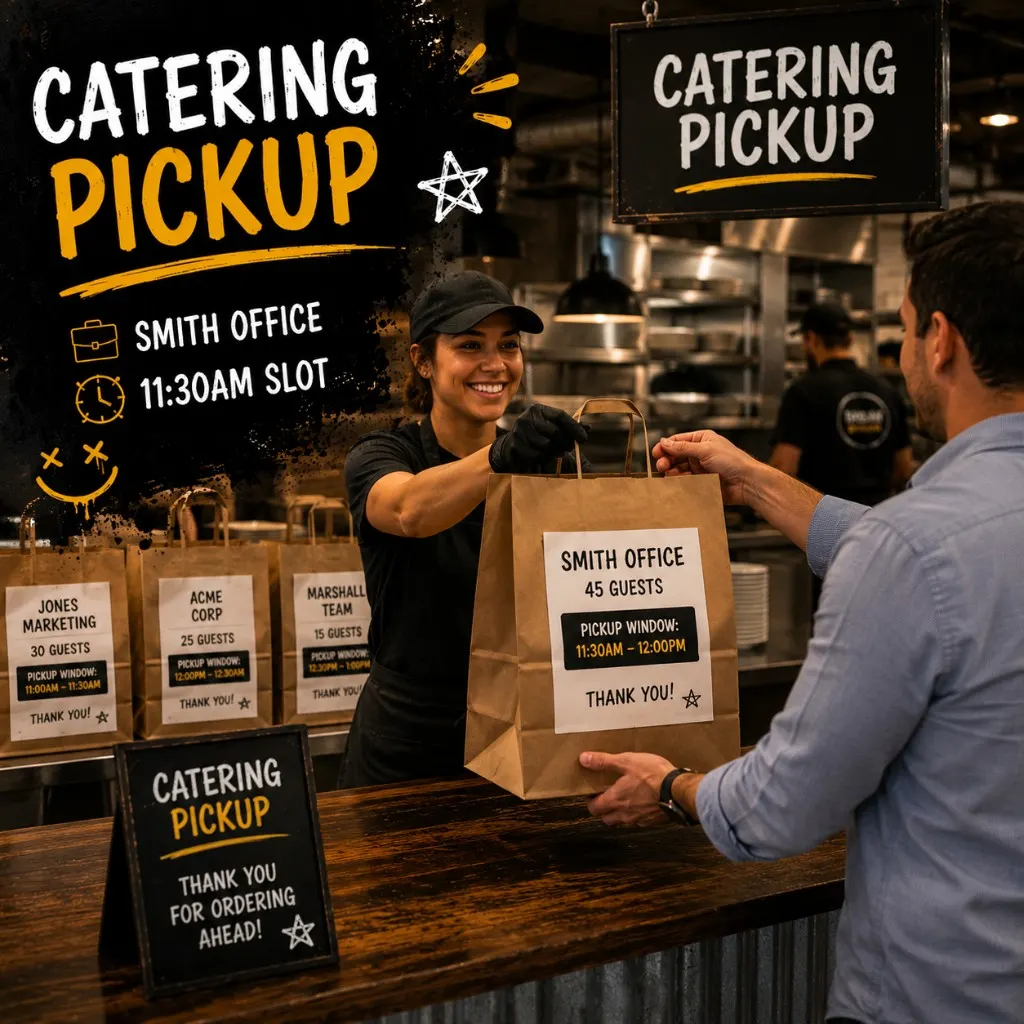
Catering pickup isn't one guest at 11:47 and another at 11:52. You batch by company and window. Fixed slots with a hard cap per window keep the expo readable and stop checkout from accepting 40 lunches in a 15-minute slice you can't fire.
- Run 30–45 minute catering windows, not 10-minute walk-up slots
- Cap each window at what one expediter can hand off (often 8–15 orders)
- Close a window in checkout when the board shows full
- Separate catering pickup lane from daily takeout so regulars don't wait behind 30 labeled bags
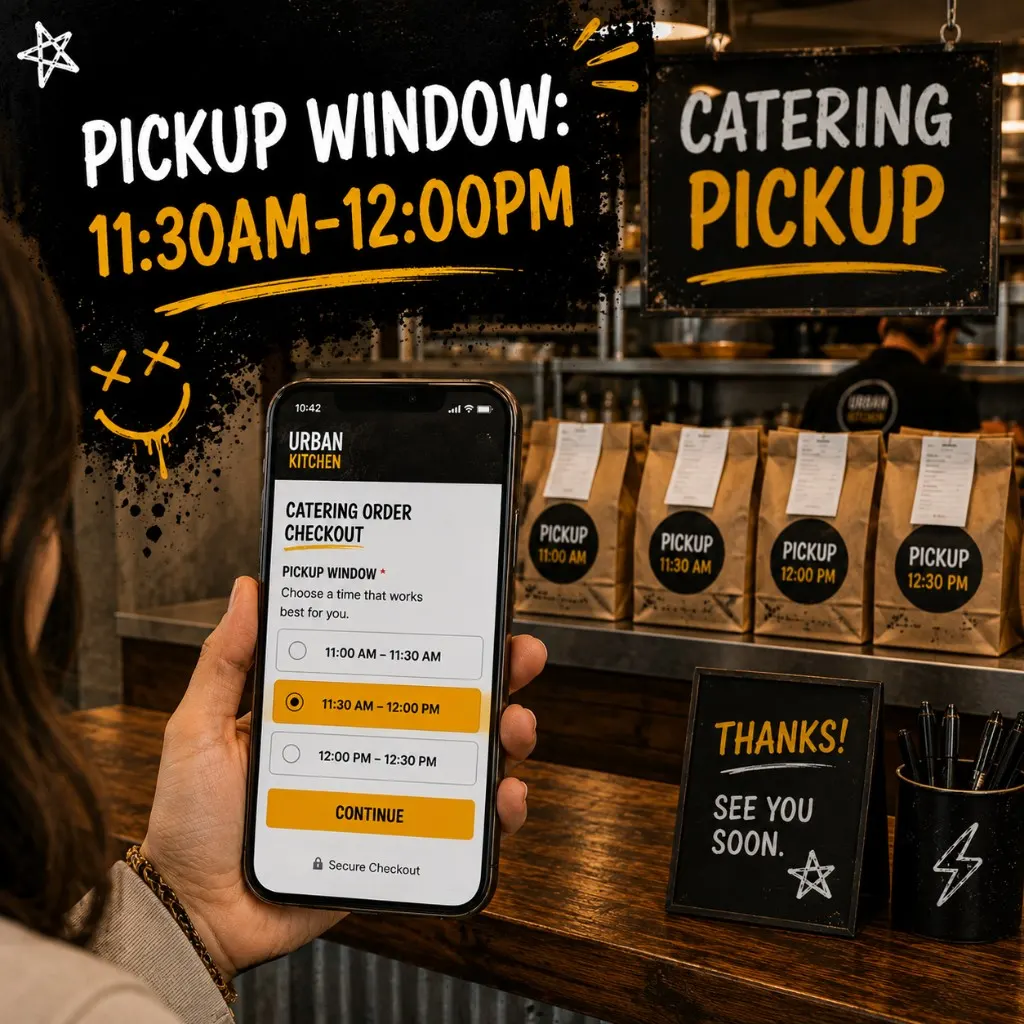
Build your pickup windows before you publish the catering link. Longer intervals and lower caps than festival walk-up. Copy the slot sheet and tape it at the catering counter.
Day-of Catering Ops and Five Mistakes
Catering day isn't a normal lunch rush. Assign one expediter who reads tickets by pickup window and company name, not payment order. Stage cold items separate from hot so early windows aren't waiting on sides for late windows.
- Print or display the slot sheet at the catering pickup counter. Expediter calls by window, not by order time paid.
- Label every bag: company name, guest count, pickup window, dietary flags.
- Hold completed bags on the shelf for the window, not in the hot well.
- Confirm balance paid before bags leave the counter for orders with a balance due date.
- Capture opt-ins at pickup for the office admin who'll book next month's lunch.
Five catering setup mistakes
- Publishing the link without a minimum. You'll take a 12-person order that costs more to pack than it pays. Set the floor before you promote.
- No deposit on new corporate accounts. The biggest tickets are also the highest no-show risk. Collect something at checkout.
- One pickup lane for catering and walk-up. Office admins who pre-ordered won't wait behind lunch regulars.
- Open-ended pickup times. "Ready around noon" creates 40 people at the counter at 12:05. Fixed windows batch the work.
- Letting checkout stay open after the slot fills. Nothing erodes trust faster than paying for an 11:30 window that's already closed.
Templates
Common questions about catering online ordering
Catering rewards operators who treat quotes like menu pricing, deposits like table reservations, and pickup windows like batch tickets. Set the math, collect something upfront, cap the slots, and label every bag. Do that and office lunches become repeat accounts instead of another email thread about headcount.
Book bigger catering orders on a link you own
Outbites handles catering packages, deposits, pickup slots, and order caps in one stack. No marketplace commission on the biggest tickets you book.
Start with Outbites
Katie Carswell
Account & Social Media Manager
Sharing firsthand stories and lessons learned from running an independent restaurant: margins, marketing, and owning your customer relationships.
How this guide was put together
This article was written for independent food businesses looking for practical ways to grow direct orders, repeat visits, and customer relationships. We keep the advice operator-focused, avoid generic playbooks, and update posts when the restaurant marketing landscape changes.