
TL;DR
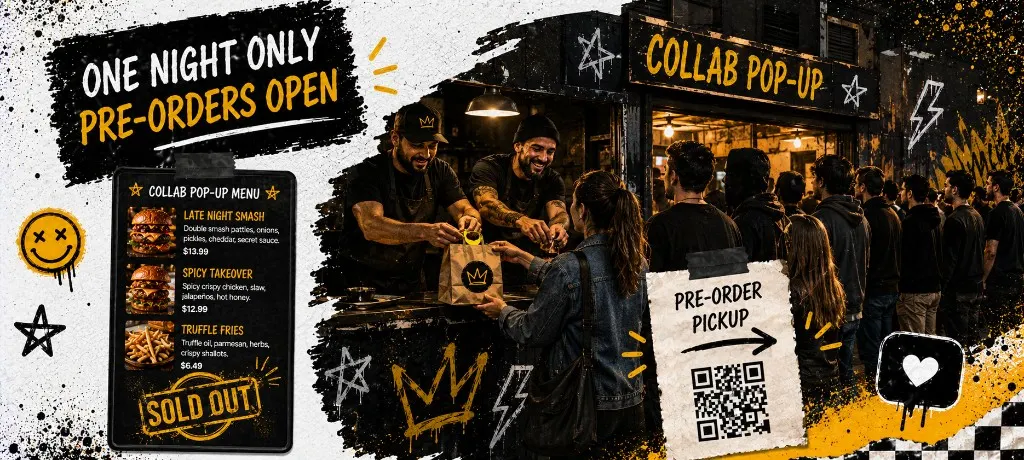
Confirm venue and cap before you announce. Limit the menu to three items max. Run the capacity calculator, set a hard cutoff 24–48 hours before service, and publish one direct ordering link both partners promote. Day-of: label bags by pickup window, close checkout at 80% capacity, post sold out when the cap hits. After the event: one thank-you text and one return offer to opted-in guests within a week.
A pop-up that sells out in four hours sounds like a win until tickets are still firing at midnight, the line has not moved, and the venue manager is asking why your POS will not stop pinging. Collab dinners, ghost kitchen takeovers, and one-night truck residencies share one failure mode: hype outruns kitchen capacity.
This playbook is the launch side. Venue partnerships, capped pre-orders, marketing splits, and day-of flow. The event pre-order ops guide covers slot models and bag labels in depth. Here we focus on how to run a pop-up from announcement to follow-up without marketplace fees eating the collab.
Before you post anything, run the capacity check. If the math says 90 orders max and your promo promises unlimited seats, change the promo.
Before You Announce the Pop-Up (Venue, Menu, Cap)
Venue partner checklist
- Confirm load-in time, power, and whether the venue takes a revenue split or flat fee
- Agree who owns the ordering link (usually the visiting chef or truck, not the venue POS)
- Decide split on marketing: both partners post the same link, same cap, same cutoff time
- Walk the pickup flow: where bags stage, where guests queue, where the QR lives
- Get venue Wi-Fi credentials for backup, but test checkout on LTE first
One-night menu rules (three items max)
Pop-up menus are not your full restaurant menu with a collab sticker on it. One protein. One side. One add-on or drink bundle. If a modifier needs a conversation at the window, cut it. Batch prep is the whole point. Ghost kitchens running virtual brand pop-ups face the same constraint: the direct ordering guide for delivery-only ops pairs well when your pop-up is a pickup extension of a virtual brand.
Setting Your Pre-Order Cap (Kitchen Math in Plain English)
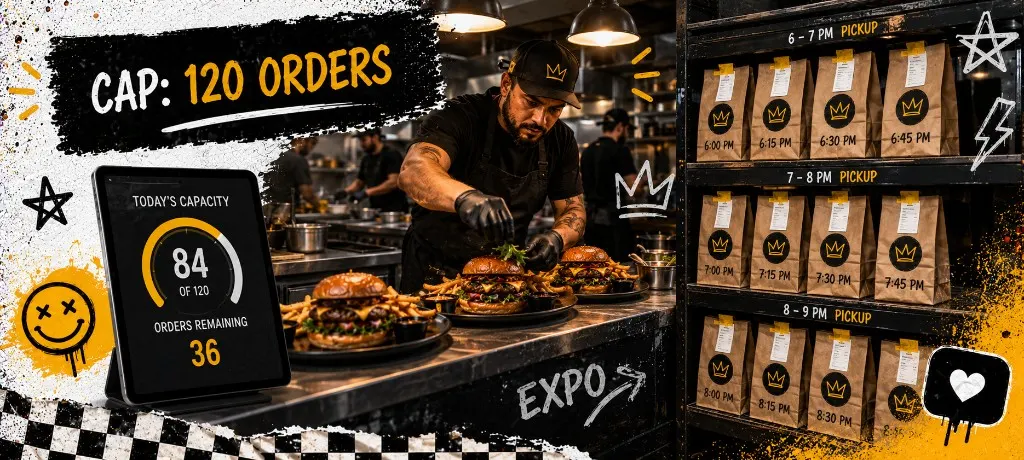
Total cap = orders your line can finish in the service window minus a 10% buffer for walk-ups and comp tables. Use the calculator above with your real crew size and ticket complexity. A three-item menu with one protein on plancha often lands around 12–18 orders per 20-minute pickup window for a two-person line.
When to close the menu early
Close checkout at 80% of cap, not at 100%. The last 20% fills with walk-ups, venue staff, and the friend who DM'd you at 6:55 PM. Post "sold out" on stories the moment checkout closes so guests stop driving across town for a slot that no longer exists.
Set your cutoff time next. Most one-night collabs close pre-orders 24–48 hours before the first pickup window so prep can batch proteins and the venue can staff the door.
Marketing the Night (Venue, Instagram, Owned List)
72-hour announcement sequence
- 72 hours out: Both partners announce date, venue, menu teaser, and pre-order link. Same graphic, same link, same cap number.
- 48 hours out: Reminder post with pickup window explainer. "Choose your slot at checkout. When a window fills, it disappears."
- 24 hours out: Last-call post if slots remain. Text opted-in guests from your owned list with one link and one deadline.
- Day-of: Story update at open. Sold-out post the second checkout closes. No fake urgency after the cap hits.
For urgency copy and same-day promo cadence, borrow structure from the holiday rush marketing playbook. Pop-ups run the same energy with a harder cap.
Day-Of Operations (Labels, Pickup Flow, Sellout Update)
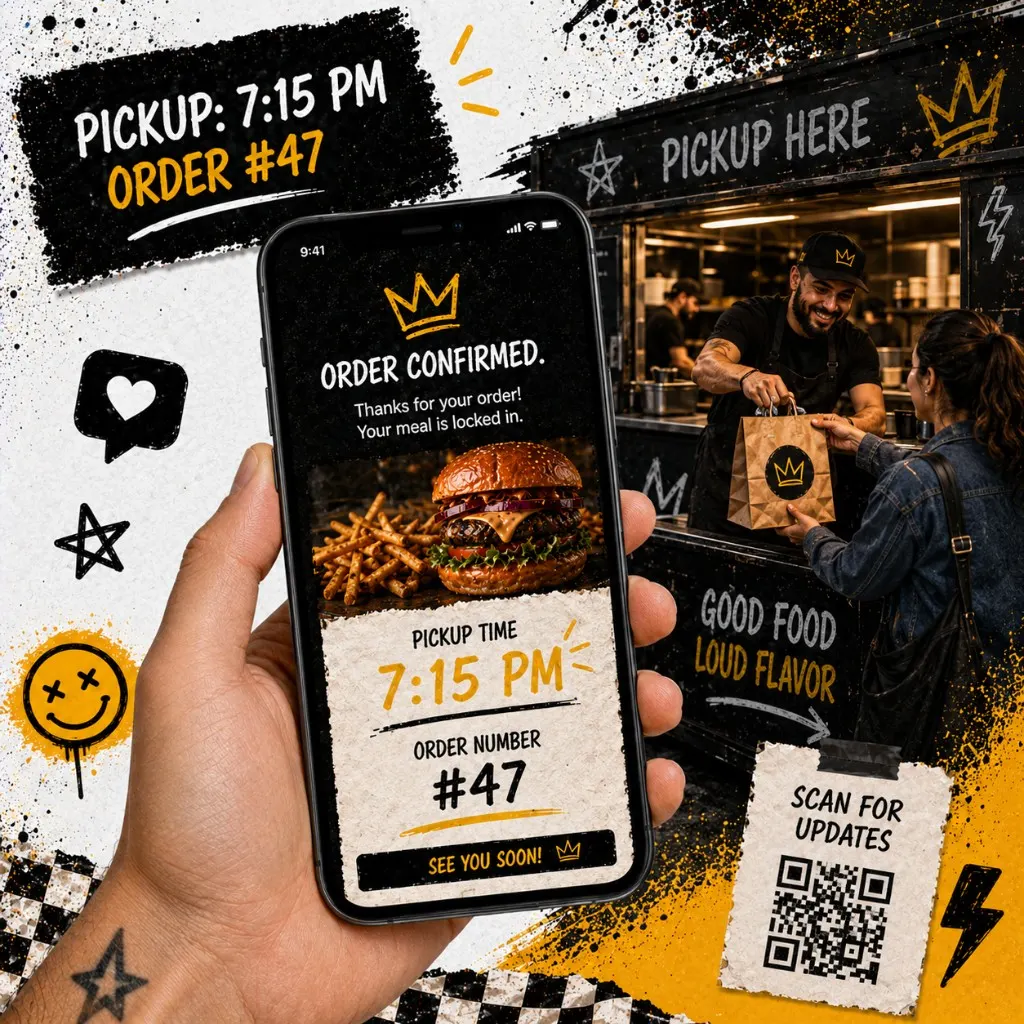
- Print or display the slot sheet at the pickup counter. Expediter reads by window, not by order time paid.
- Label every bag: last name, pickup window, item count. Color tape by window if it helps the crew.
- Stage cold separate from hot so early windows are not waiting on fries for late windows.
- Assign one person to close slots in checkout when the board shows a window full.
- Post sold out everywhere the moment cap hits: stories, venue screen, door sign.
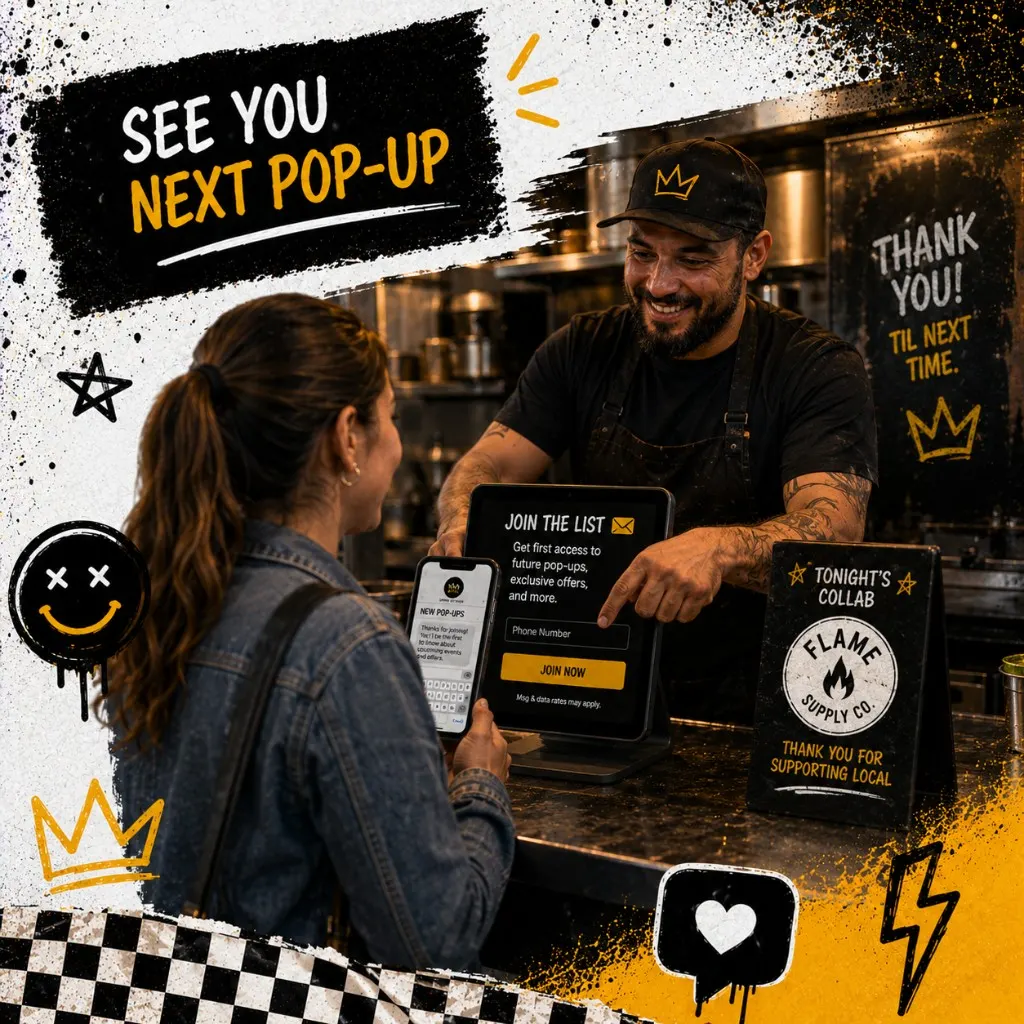
- Capture opt-ins at pickup for guests who walked up without ordering. Tablet at the counter beats a clipboard.
Copy the announcement templates below. Swap bracketed fields, paste into Instagram, SMS, or venue email, and keep both partners on the same message.
After the Pop-Up (Turn One-Night Guests Into Regulars)
The event ends. You still own the relationship if checkout captured opt-in contacts on your direct link, not a marketplace relay. Send one thank-you within 24 hours. Send one return offer within a week. Keep each message to one link and one deadline.
Enroll guests in a loyalty program at checkout so the collab regular has a reason to find your truck or ghost kitchen brand again. Build the list with the first-party data guide. Follow SMS compliance on every send.
Food trucks running recurring pop-up residencies should pair this playbook with the food truck ordering system guide for weekly spot SMS and window QR setup.
Five Pop-Up Mistakes That Create Bad Reviews
- Announcing before the cap is set. Guests order expecting a seat. You run out of firepower at ticket 60. Set the cap first, promote second.
- Two different links from two partners. Split traffic means split data and confused guests. One link, one checkout, one expediter board.
- Full restaurant menu on a one-night line. Modifier chaos kills batch prep. Three items. Hard stop.
- Letting checkout stay open after the board closes. Nothing erodes trust faster than paying for an 11:20 pickup when that window died at 10:45.
- No post-event follow-up. You paid acquisition cost in hype and labor. Skip the thank-you text and those guests forget your name by next weekend.
Templates
Common questions about pop-up restaurant pre-orders
A pop-up is a one-night stress test with a marketing halo. Cap the menu, cap the orders, run one direct link both partners share, and follow up with the guests who opted in. Do that and sellout energy becomes repeat revenue instead of a story about the line that never moved.
Capped pre-orders on a link you own
Outbites handles pop-up menus, pickup slots, order caps, and checkout contact capture in one stack. No marketplace commission on the collab you already paid to promote.
Start with Outbites
Katie Carswell
Account & Social Media Manager
Sharing firsthand stories and lessons learned from running an independent restaurant: margins, marketing, and owning your customer relationships.
How this guide was put together
This article was written for independent food businesses looking for practical ways to grow direct orders, repeat visits, and customer relationships. We keep the advice operator-focused, avoid generic playbooks, and update posts when the restaurant marketing landscape changes.