TL;DR
A first-party list is email and phone plus clear consent from people who ordered from you, not from a marketplace middleman. Direct ordering at your own link is the cleanest capture point because checkout already needs contact info. Pair that with QR handoffs, receipt prompts, and event pre-orders. Export or sync your list to whatever tool you use, but start by owning the raw contacts. Then wire sends into loyalty, review follow-up, and flash offers using guides you already have on site.
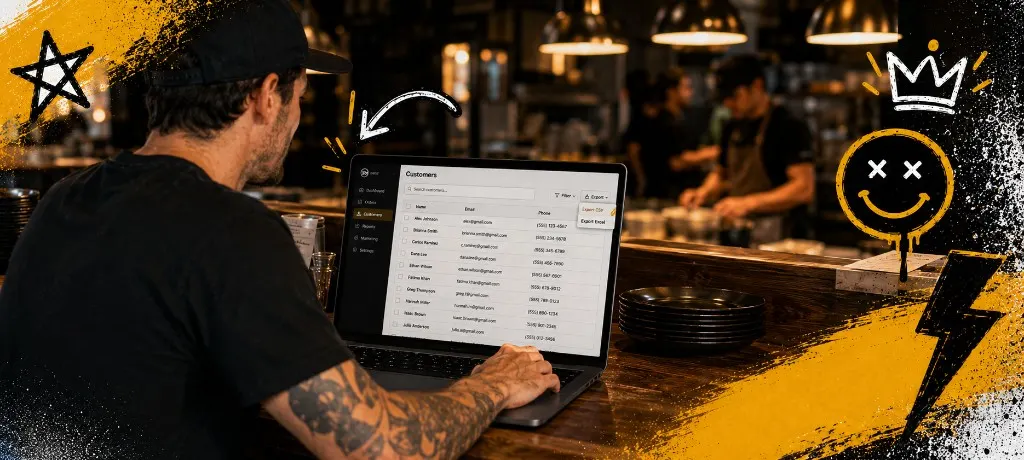
You already have customers. What you might not have is a file you control: names, emails, phone numbers, and permission to follow up. Without that, every Tuesday is a cold start. Ads and apps reintroduce you to the same people and charge you again.
This post is for food trucks, ghost kitchens, pop-ups, and independents who want repeat orders without begging a marketplace for reach. We will cover what a real list looks like, why third-party tickets rarely add to it, and the fastest plays to grow contacts this month.
What first-party data means for a restaurant
First-party data is simple. It is information a guest gives directly to your brand with a reason to believe you will use it responsibly. A phone number typed into your checkout with a clear checkbox is first-party. A masked relay address inside a courier app is not a marketing list. It is a transaction log you cannot export.
The list is not vanity. It is how you launch a Tuesday fill, a holiday pre-order, or a win-back after two quiet weeks. It is also how you prove demand to yourself before you spend on ads.
Why marketplace apps rarely build your list
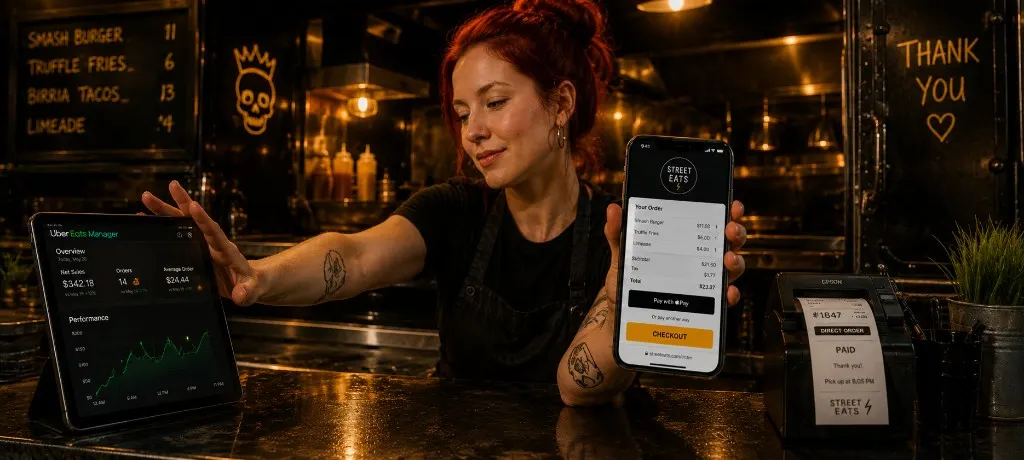
Delivery marketplaces optimize for their retention, not yours. They want the customer to open their app again, not your link. That is why you often see revenue and ratings while the underlying contact record stays locked. A real restaurant analytics dashboard should show which orders build your list, not only which app processed the ticket.
What to capture at checkout (and how to ask)
Start with the fields you truly need for service: phone for SMS order updates, email for receipts, and allergy notes if you use them. Add separate consent language for marketing. Pre-checked marketing boxes are risky. A short line people tap on purpose keeps you clean and trains better subscribers.
- Phone for day-of coordination and SMS if they opt in
- Email for receipts, longer stories, and review follow-up
- Tags like pickup vs delivery, location, or menu cohort so you do not blast irrelevant offers
Six fast ways to grow the list this month
- Put your branded order link on the window, menu footer, and bag stamp so first-timers land on your domain.
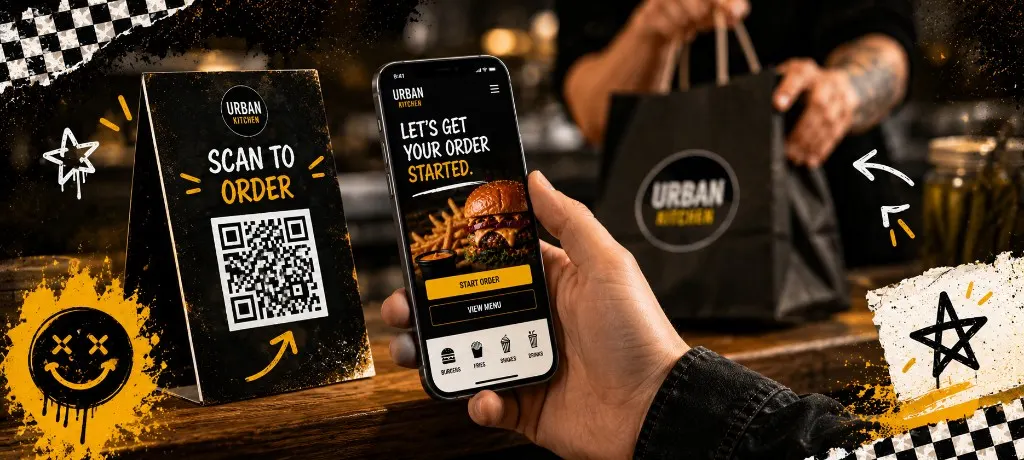
- Add a QR that says first access to drops or secret menu items, not just scan to read a PDF.
- Trade a small perk for signup at pickup: free drink on the next direct order, not a vague newsletter.
- Capture event and catering leads in a simple form even if weekday online ordering is slow.
- Train hosts to say we text when your table is ready, then route that into the same consent stack.
- Send one honest welcome message after the first direct order so people remember opting in. Templates for ongoing SMS live in our SMS marketing guide for restaurants.
How the list plugs into loyalty, reviews, and promos
Once the contacts exist, the rest of your stack gets easier. Loyalty needs an ID to attach points. Review campaigns need a polite nudge after a good visit. Same-day holiday pushes need a channel that does not die in the algorithm. Our loyalty program breakdown shows why repeat programs stall when you cannot message members.
For Google proof, pair list growth with a steady review ask. The playbook in how to get 50 Google reviews in 30 days still applies once you know who to email. Holiday and event blitzes layer on top: see the holiday rush marketing playbook for same-day cadence.
If you want a weekly rhythm instead of random bursts, borrow the Monday checklist frame from the 30-minute local marketing routine. Lists make that routine possible. Without contacts, the routine is mostly theory.
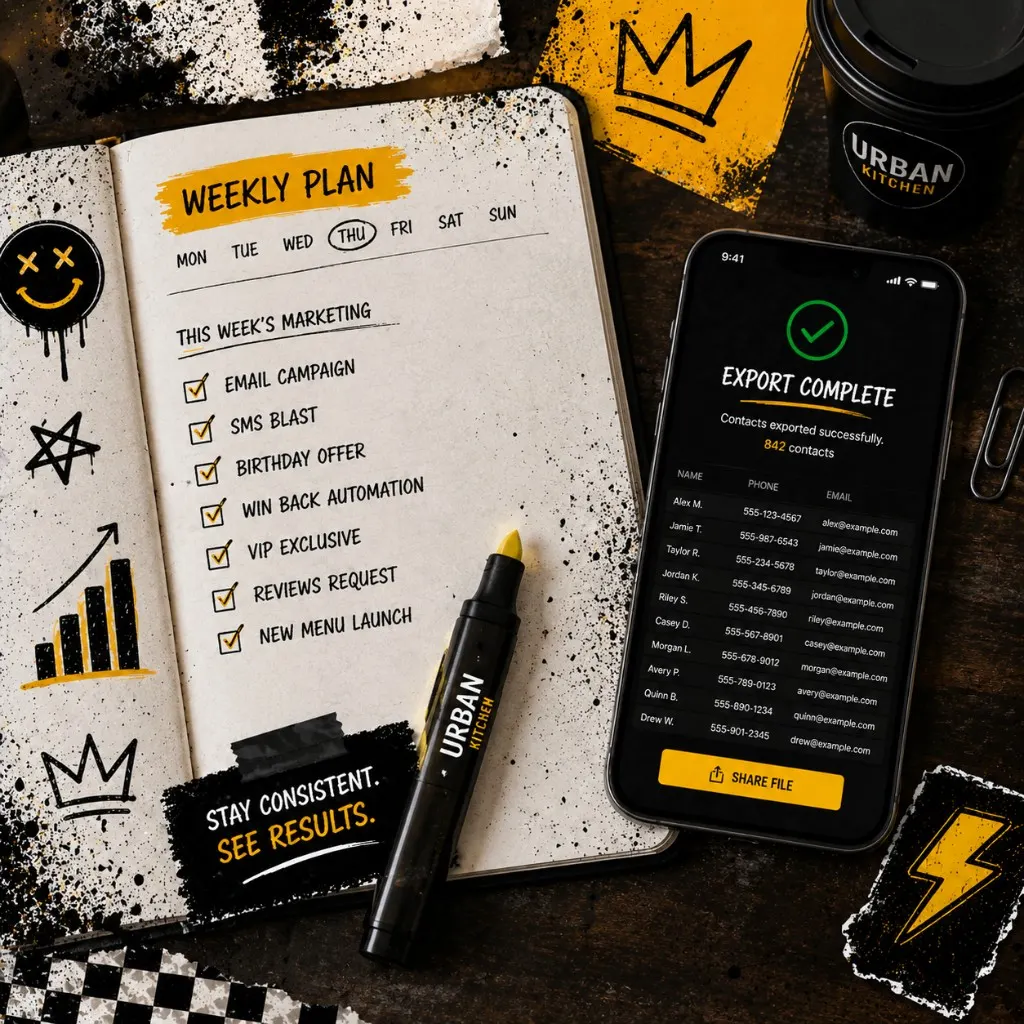
Week one checklist for operators
- Audit the last 200 tickets. Count how many came from your domain versus apps.
- Update checkout copy so marketing consent is explicit and optional taps are off by default.
- Print one QR test: scan, order a mock ticket, confirm the contact lands in your export.
- Pick a single follow-up you will automate first: welcome, win-back, or review ask.
- Document who owns the list file and where backups live.
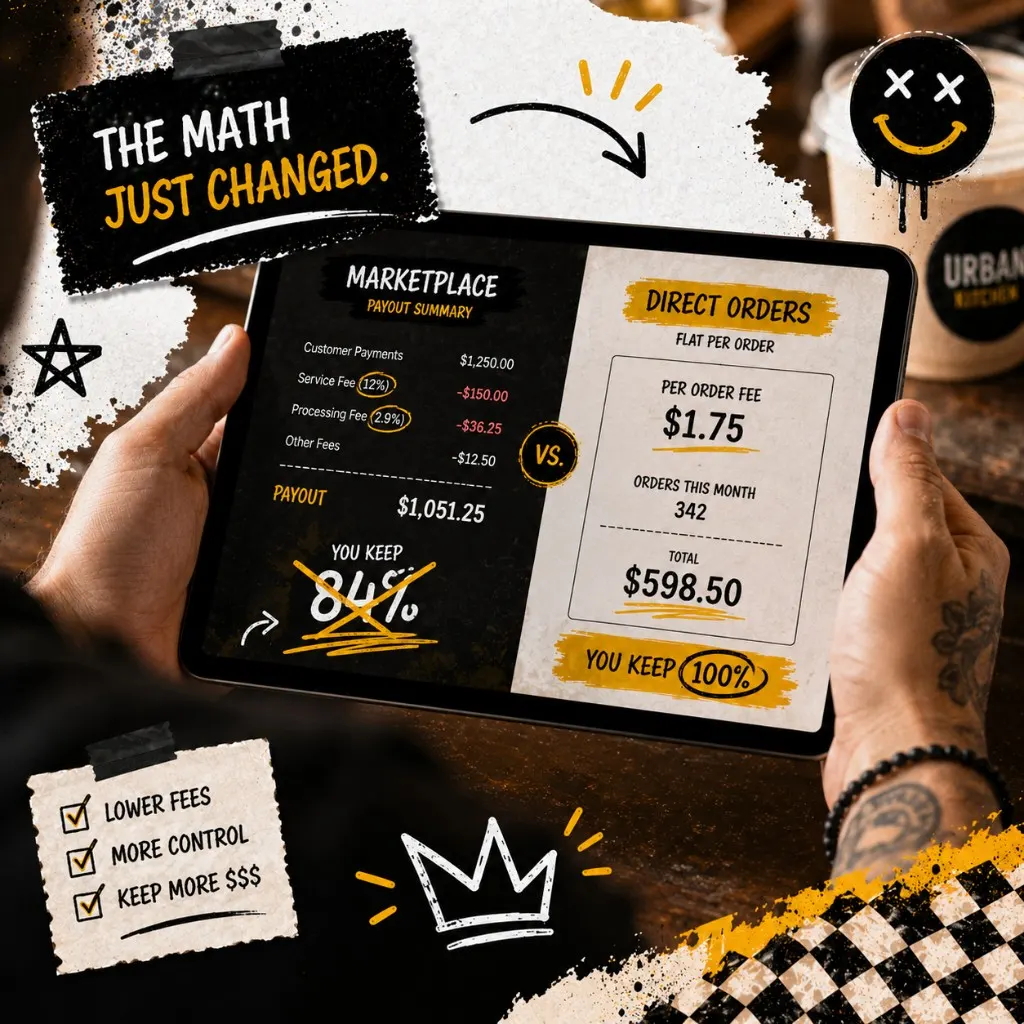
Every order you move to your own link is margin you can reinvest into better food, staff, and follow-up. Before you add more campaigns, run the go-live checklist below on paper or tablet so capture, consent, and backups stay tight.
Own your contacts
First-party list go-live checklist (print-friendly)
Work top to bottom before service. Each line should read true before you scale ad spend or blast big lists.
- Branded order URL matches what is printed on bags, receipts, window signs, and social bios (no mystery short links staff cannot explain).
- Checkout asks for phone and email, separates transactional messages from marketing consent, and leaves promo opt-in unchecked by default.
- One QR test from the parking lot on LTE: complete a small basket, confirm the guest row appears in your export or dashboard with correct fields.
- Pickups versus delivery, catering, or second location each have a simple tag or note pattern so future blasts stay relevant.
- Weekly backup ritual: export or snapshot contacts to a dated folder or shared drive someone on shift actually opens.
- Welcome path drafted for first-time direct buyers (timing, tone, and STOP language). When you are ready to automate sends, use our <a href="/blog/sms-marketing-for-restaurants-guide/" class="font-semibold text-primary underline decoration-primary/30 underline-offset-2 hover:decoration-primary">SMS marketing guide for restaurants</a> for templates and compliance guardrails.
If a box stays unchecked, fix that system before you spend on ads. A leaky capture wastes every dollar that follows.
Frequently asked questions
Templates
Restaurant customer list FAQ
You do not need a complicated growth hack. You need a checkout guests trust, a clear promise about what you will send, and the discipline to route repeat orders through your link. Do that and the list compounds the same way regulars compound: quietly, then all at once.
Pick one capture fix today. Ship it before service. Next week, add the second. Momentum beats another slide deck about CRM someday.
Own the order. Own the list.
Outbites gives you branded ordering with checkout capture, SMS and email sends, and exports so your contacts stay portable.
Start free trial
Katie Carswell
Account & Social Media Manager
Sharing firsthand stories and lessons learned from running an independent restaurant: margins, marketing, and owning your customer relationships.
How this guide was put together
This article was written for independent food businesses looking for practical ways to grow direct orders, repeat visits, and customer relationships. We keep the advice operator-focused, avoid generic playbooks, and update posts when the restaurant marketing landscape changes.