TL;DR
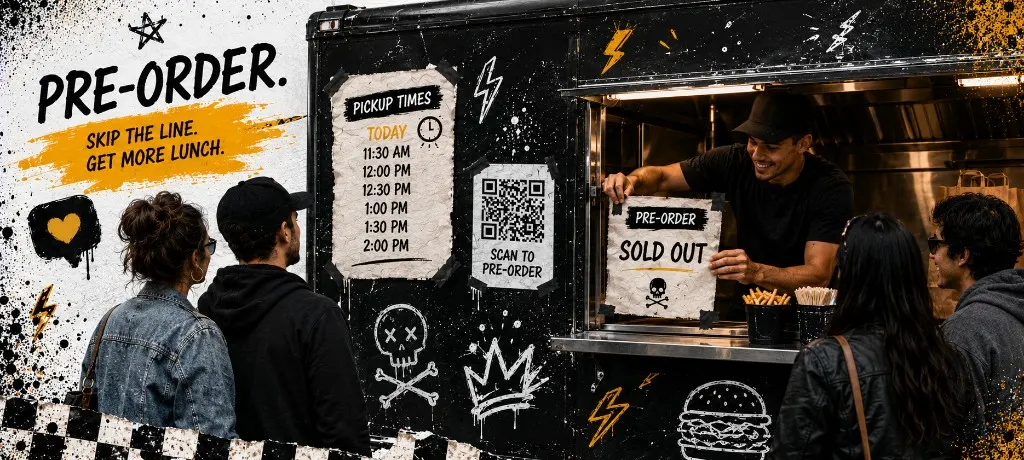
Open pre-orders only when you can cap slots and label bags by window. Run fixed pickup windows (not infinite same-day times) and match menu to what one crew can fire. Use capacity math before you publish the link, copy a slot sheet for the window, and close the menu before the rush. After the event, text opted-in guests from your owned list, not a marketplace relay.
A food truck that posts "we are sold out" at 12:40 but still has 90 tickets in the queue is not winning. It is training guests that your word means nothing. The fix is not a prettier Instagram story. It is a pre-order system that respects line capacity.
This guide is the ops side: slots, caps, day-of labels, and follow-up. If you want promo captions and same-day social cadence, use the holiday rush marketing playbook. Here we cover how to take event and holiday pre-orders online without overwhelming the kitchen.
When pre-orders beat walk-up only
Walk-up works when volume is predictable and the menu is short. Pre-orders win when demand spikes on a clock: Mother's Day brunch, a festival lot, a corporate lunch drop, or a Tuesday pop-up that blew up on stories last week.
- You know the date and can prep in batches instead of guessing every ticket at the window
- Guests want a pickup promise before they drive across town
- You need to cap total covers so food cost and labor stay sane
- You are running one menu for the event and do not want 40 modifier combos live at once
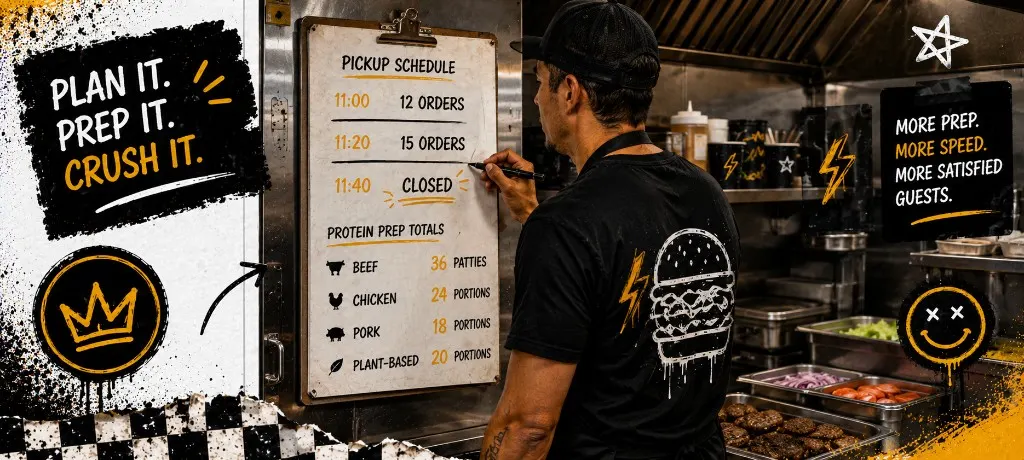
Run the capacity check below before you publish the link. If the math says 60 orders max and your promo promises unlimited bowls, change the promo, not the kitchen.
Pick a slot model (fixed windows vs rolling cap)
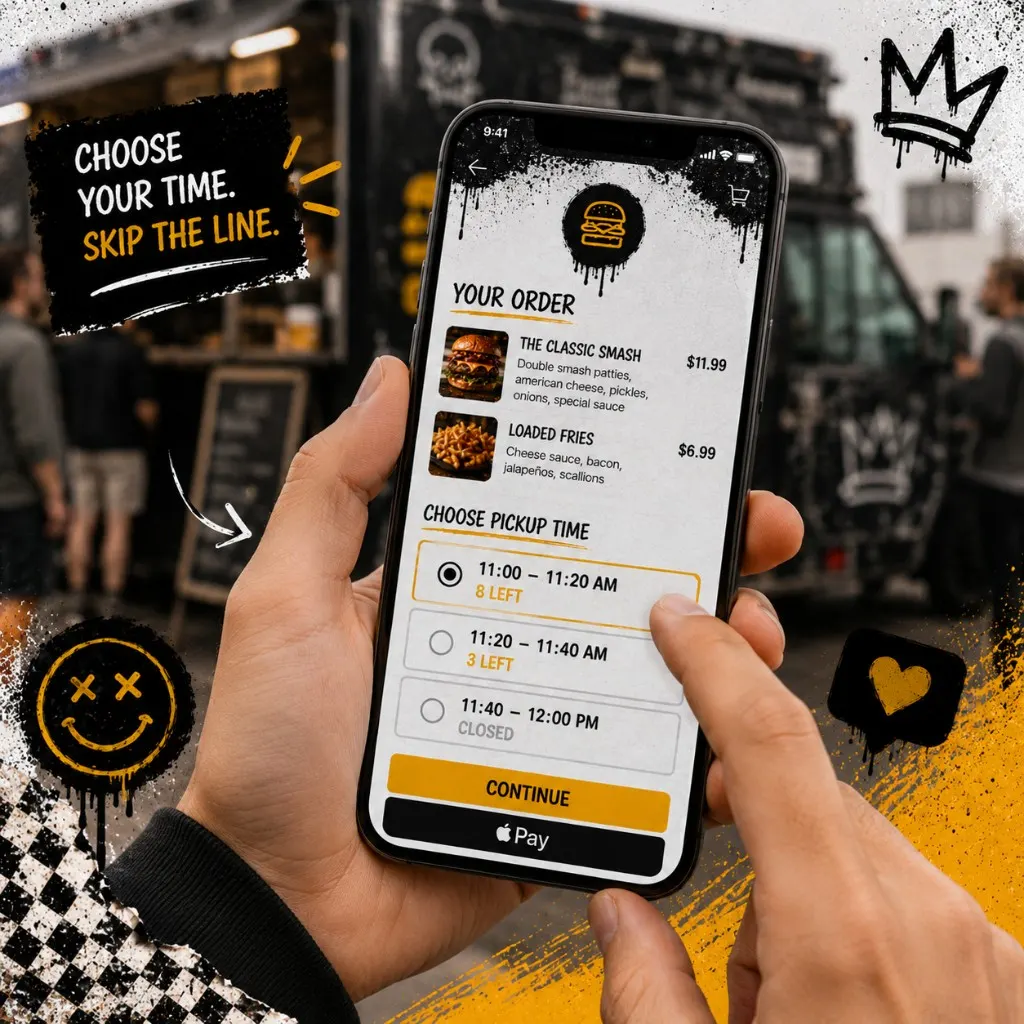
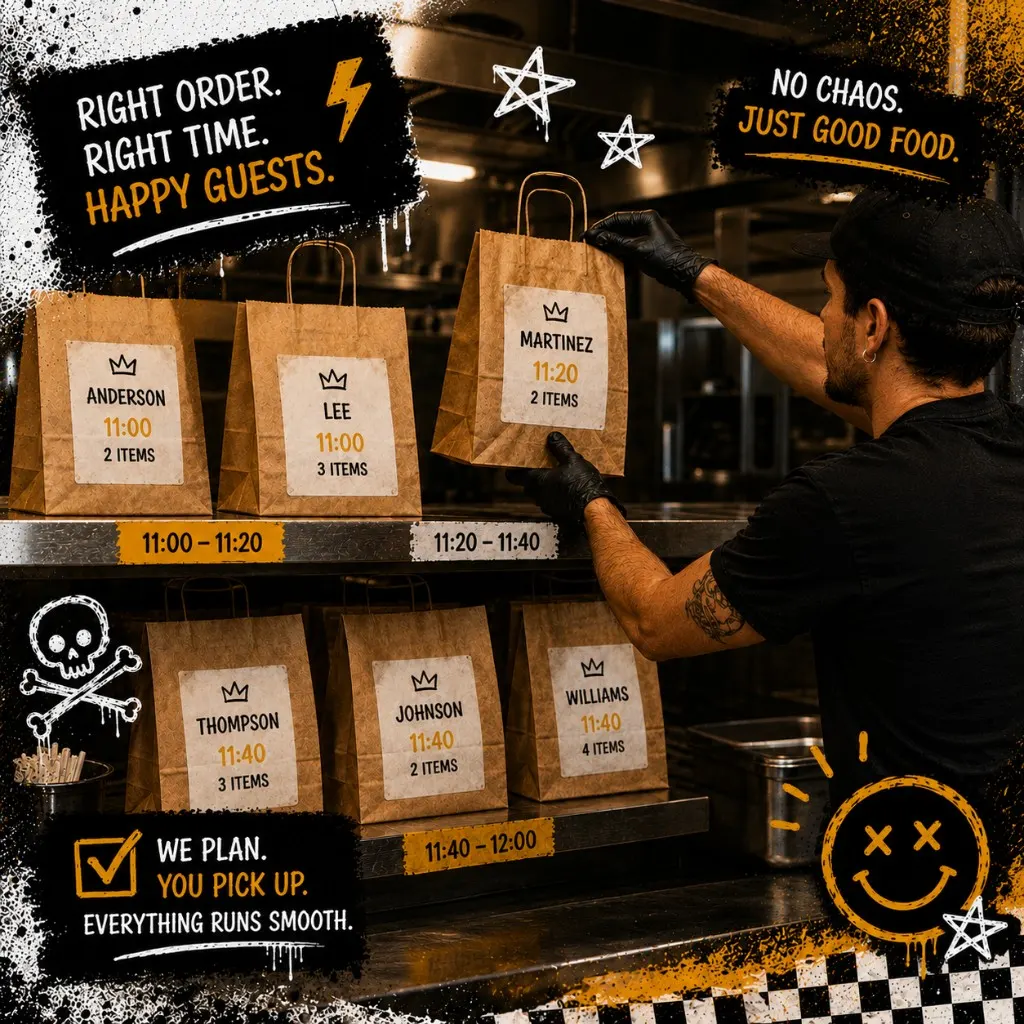
Fixed windows mean guests pick 11:00–11:20, 11:20–11:40, and so on. Each window has a hard cap. When a window fills, it disappears from checkout. Rolling cap means one pool of orders for the day with a total limit but no time choice. Guests hate rolling cap when parking and lines matter. Your expo team hates it when everyone shows up at 12:05.
For trucks and small independents, fixed windows almost always win. You can stage bags on a shelf by time, call names in order, and throttle the line when a window is full.
Print or tape the slot sheet at the window. Train one person to own "slot full" updates so the online menu matches reality. Nothing erodes trust faster than checkout accepting 11:20 pickups when the board already closed that window.
Menu rules for pre-order-only items
Event menus should be smaller than your everyday menu. Pre-order-only items exist so prep can batch: one protein, two sides, one add-on. If a modifier needs a conversation, it does not belong on a capped pre-order night.
- Limit proteins to what you can hold in holding or finish on the plancha in waves
- Hide items that need fryer time you cannot parallel with the rest of the line
- Bundle drinks or sides as defaults so tickets are not half-empty of attachments
- Turn off items in checkout the moment 86 hits, not at close
Day-of expediting and bag labels
Pre-order day is not a normal service. Assign one expediter who reads tickets by pickup window, not by order time paid. Large readable labels: last name, slot, item count. Color tape by window if that helps your crew.
- Stage cold items separately from hot so 11:00 guests are not waiting on fries for 11:40
- Hold completed bags on the shelf for the window, not in the hot well
- Post a simple sign: "Have your order name and pickup time ready"
- When a window is 80% full, close it in the system before the line argues about it
Follow-up after the event (owned list + SMS)
The event ends. You still own the relationship if checkout captured opt-in contacts on your link. Send one thank-you within 24 hours and one return offer within a week. Keep it short. One link. One deadline.
For send timing and compliance, use the SMS marketing guide for restaurants. For building the list in the first place, see how to build a restaurant customer list you actually control.
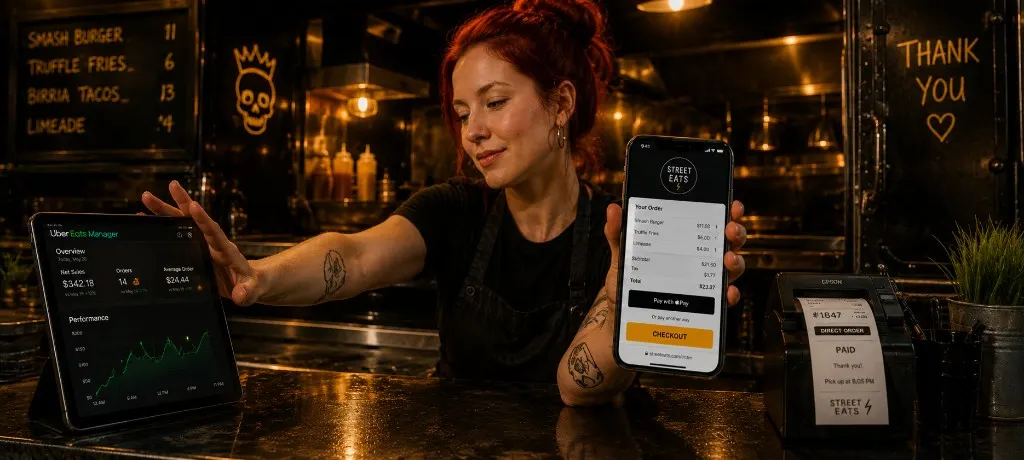
Marketplace pre-orders do not give you durable SMS consent. Direct checkout does. That is why operators run apps for reach but push event links to a channel they own.
Templates
Event pre-order FAQ
Ready to run capped pre-orders on your own link?
Outbites gives food trucks and independents branded checkout, pickup windows, and contact capture on orders you own. Fifteen minutes to set up. One dollar per fulfilled order.
Start with Outbites
Katie Carswell
Account & Social Media Manager
Sharing firsthand stories and lessons learned from running an independent restaurant: margins, marketing, and owning your customer relationships.
How this guide was put together
This article was written for independent food businesses looking for practical ways to grow direct orders, repeat visits, and customer relationships. We keep the advice operator-focused, avoid generic playbooks, and update posts when the restaurant marketing landscape changes.