TL;DR
Open last month's payout from each app. Keep delivery fees and pickup fees separate. Add money you spent on ads and "$X off" deals. Divide that total by your app sales. That's what you really paid. Compare plans before you switch. Keep apps for new customers when they help. Send regulars to a link you own. Use the calculators and checklist on this page.
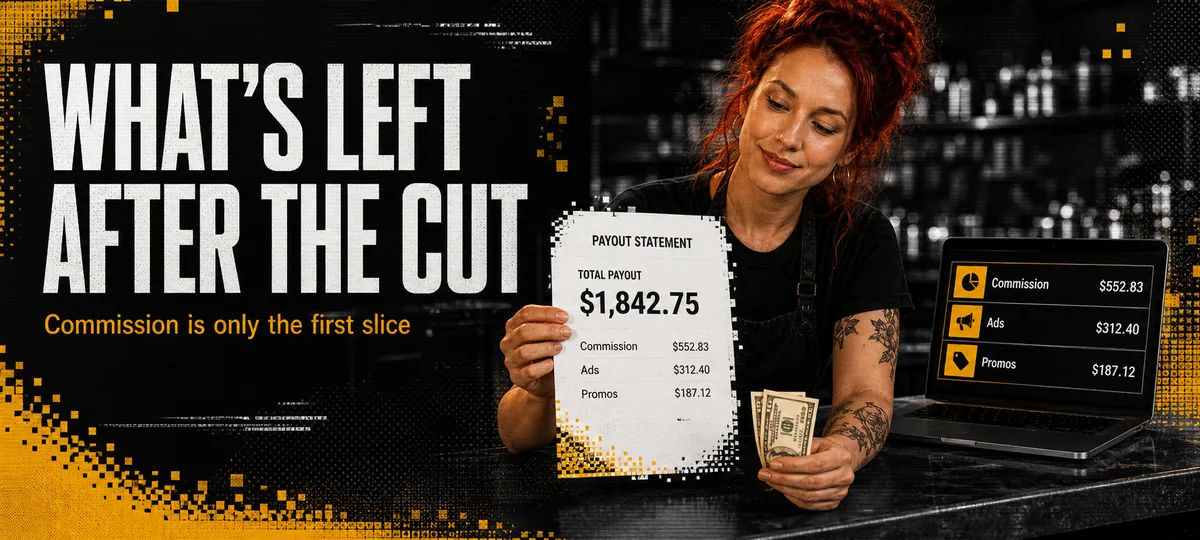
You already know DoorDash and Uber Eats take a cut. What most owners never do is open last month's payout and ask a simpler question: after fees, ads, and deals, how much cash is left?
Today we're learning how to read that bill. If you already want to move orders off the apps, grab the first 90 days off delivery apps guide or the stop losing money to commissions guide. This post stays on the numbers.
The Plan Percent Isn't the Whole Story
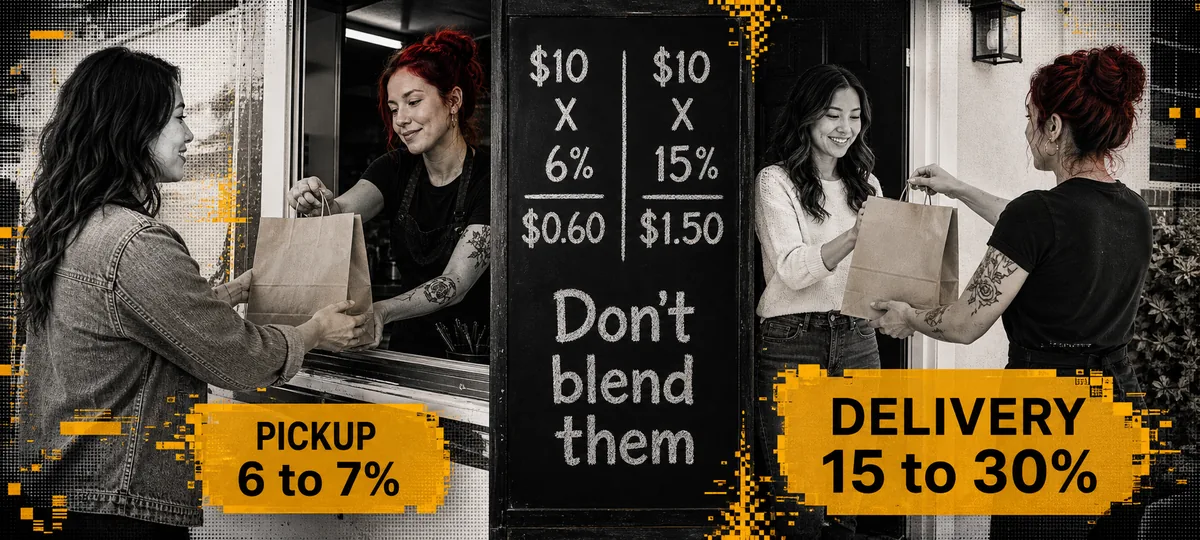
A lot of owners round every app fee up to "they take 30%." Your payout is more specific. DoorDash lists delivery fees at 15% on Basic, 25% on Plus, and 30% on Premier. Guest pickup is 6% on those plans. Uber Eats lists delivery at 20% on Lite, 25% on Plus, and 30% on Premium. Uber pickup is 7% when your app prices match your counter prices (10% if they don't).
Another thing people mix up: the delivery fee the guest pays the app for the driver is not your fee. Your fee is the cut the app takes off the food total, plus ads you buy to show up higher, plus deals like "$5 off" when you cover part of that discount.
How to Read Last Month's Payout
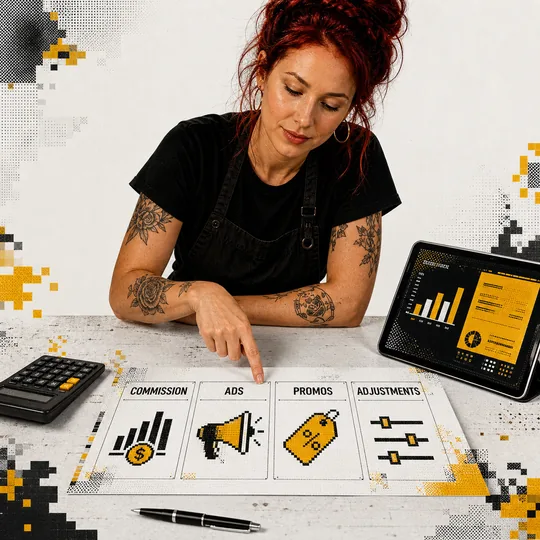
Open last month's report and look for the charges that actually shrink what you keep. The big one is the app fee, the percent they take off the food total for delivery or pickup. Then there's money you spent on ads to climb higher in the app, plus deals you funded when you covered part of a "$5 off" offer. Error charges, refunds, and credits belong in that pile too, because they change the deposit. If a line doesn't make sense, ask support for a fee breakdown. You're not being difficult. You're running a business.
When you've got those numbers, add them up and divide by your app sales for the same month. That percent is what you really paid. If your plan says 25% and this lands at 31%, the ads and deals made it worse.
Cheaper Plans Aren't Always Cheaper
Higher-priced plans usually buy more eyes: more delivery distance, better spot in the app, and access to loyalty members (DashPass on DoorDash Plus and Premier, Uber One on Uber Plus and Premium). Cheaper plans cost less per order and often show you to fewer people. That's the trade.
Before you "just drop to Basic," run the fees at your real monthly sales. Then ask: if I lose some new customers, does the savings still win? Saving $600 a month in fees but losing $3,000 in new orders isn't a win. Saving $600 on guests who already know your truck and would order from your own link? Different story. More on that in Outbites vs DoorDash.
Pickup and Delivery Aren't the Same Fee
Mixing them is how people panic. DoorDash pickup at 6% isn't the same as Premier delivery at 30%. Uber pickup at 7% isn't Premium delivery at 30%. If half your app orders are pickup, your average shouldn't look like the delivery horror stories.
Split the report. Delivery sales and delivery fees in one column. Pickup in another. Then you won't make a big call off one mixed number that lies.
Keep Apps for New Guests. Move Regulars Off Them.
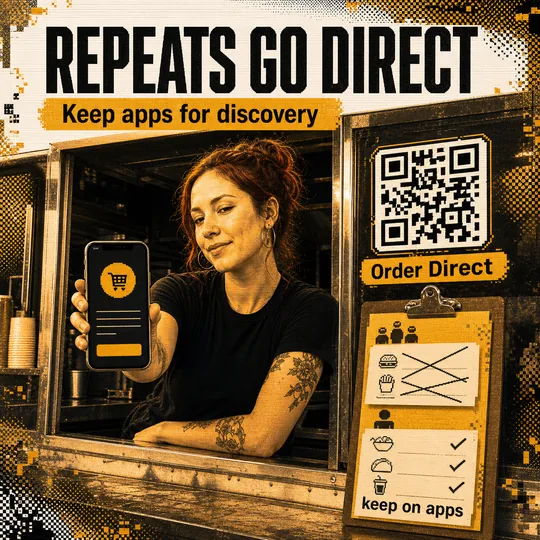
The apps can still be worth it when a stranger finds you at 9pm and you'd never have reached them. They're a bad deal when the same guest reorders every Thursday and you still pay rent on that relationship.
When you're done with the math, pick a next step. You can keep your plan for new customers, switch plans if the reach isn't worth it, or keep the apps and also send regulars to a link you own. Outbites is $1 per finished order on that link (card fees are separate). The marketplace fee calculator and the move-off playbook help once the numbers are clear.
Mistakes That Waste the Whole Check
The check falls apart when you look only at the plan percent and ignore ads and deals you funded, or when you mash pickup and delivery into one scary average. It also fails when you change plans and don't watch order count for the next 30 days, or when you turn the apps off before your own order link is ready. And if you compare Outbites at $1 per order to an app percent without counting card fees on both sides, you're comparing two different bills.
Checking fees won't make the apps nicer. It will stop you from arguing with a percent you never measured. Pull the payout, add the real costs, compare plans on purpose, and decide who still gets a cut.
Templates
Common questions about marketplace fees
What's left after the cut is what pays payroll, product, and another weekend on the lot. Check it once a month. Then decide who still gets a seat at the table.
Keep more of every repeat order
Outbites gives you an order link with your name on it, customer contacts you own, and $1 per finished order. Run the fee math above, then give regulars a path that isn't rented.
Start with Outbites
Katie Carswell
Account & Social Media Manager
Sharing firsthand stories and lessons learned from running an independent restaurant: margins, marketing, and owning your customer relationships.
How this guide was put together
This article was written for independent food businesses looking for practical ways to grow direct orders, repeat visits, and customer relationships. We keep the advice operator-focused, avoid generic playbooks, and update posts when the restaurant marketing landscape changes.