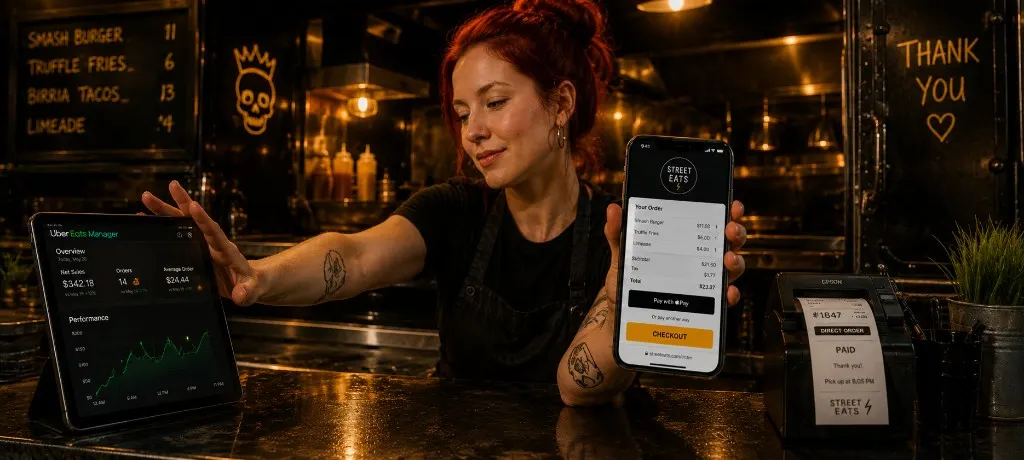
TL;DR
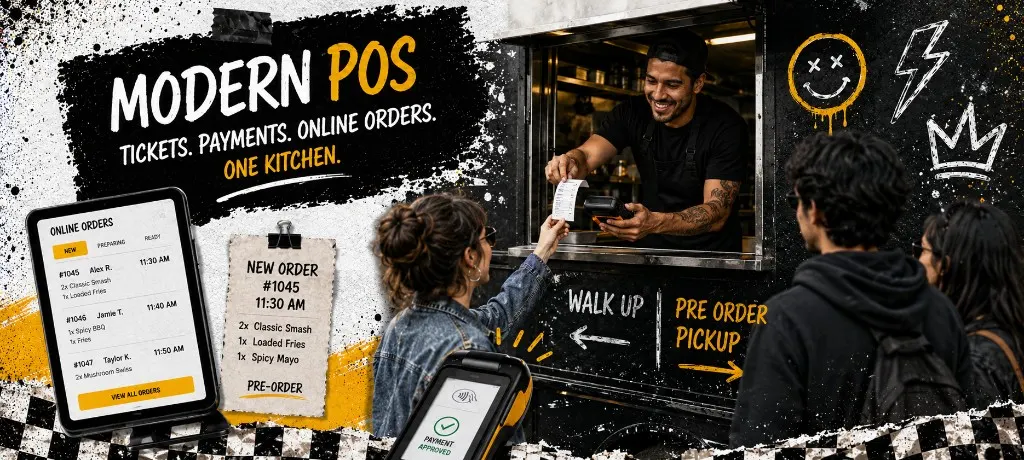
Modern POS for mobile operators means offline card processing, battery-ready hardware, and one ticket path for walk-up, online, and catering. You don't always need a new POS. Sometimes you need a better order path that syncs with what you already run. Run the readiness check, model total cost with hardware and processing, and close integration gaps on the checklist before switchover week.
You picked a POS because it took cards at the window. Six months later you're juggling walk-up tickets, online pre-orders from three apps, and a catering sheet taped to the pass. The terminal works. The stack doesn't.
Modern point of sale for food trucks, pop-ups, and independents isn't about the flashiest screen. It's whether tickets, payments, and online orders land in one kitchen flow you trust. This guide covers hardware, offline mode, integrations, and total cost. For Toast vs Square vs Outbites on the ordering side, see the POS integration guide. For the wider buyer framework, see restaurant POS systems comparison.
What Makes a POS "Modern" for Mobile Operators
Brick-and-mortar POS blogs assume stable Wi-Fi, fixed terminals, and a full-time expo. Trucks and pop-ups assume the opposite. Modern POS for your format means four things working together.
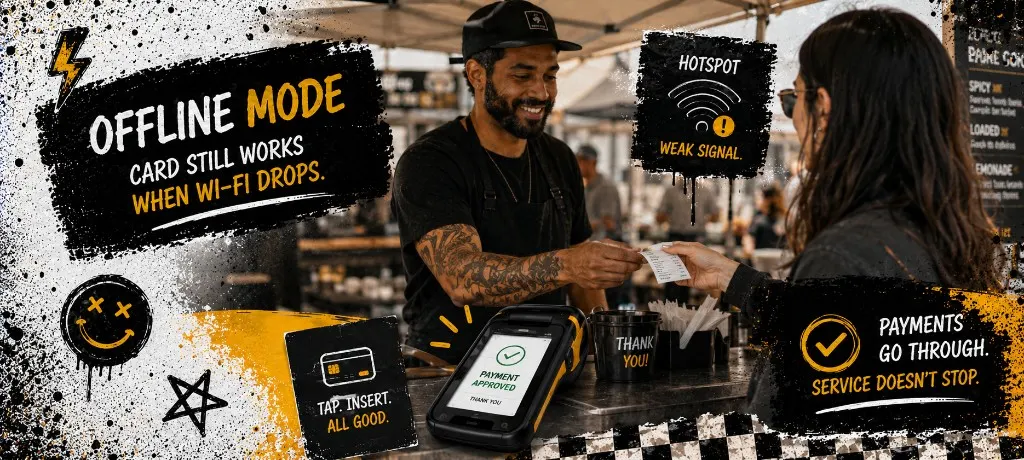
- Offline payments: Card still processes when the lot Wi-Fi dies or you're on a festival field with one bar of LTE.
- Mobile hardware: Handheld or tablet you can run at the window without a cord to the wall.
- Unified ticket flow: Walk-up, online, and catering hit the same kitchen rail with clear labels.
- Ordering handoff: Direct orders sync modifiers and 86 items so the pass matches what guests paid for online.
Before you shop new hardware, answer one question honestly: do you need a new POS, or a better order path that plugs into what you already run? Most operators discover it's the second.
Hardware That Survives a Food Truck Shift
A counter terminal that never moves is a different animal than a handheld you pass between two crew members in August. Test battery on a full service, not a demo at the supplier's desk.
- Handheld with swipe, chip, and tap. Guests expect tap everywhere now.
- Spare battery or swap plan if you're running eight hours without shore power.
- Receipt printer that survives heat, grease, and vibration. Or go paperless with SMS confirmations.
- Mount or holster so the terminal isn't sitting on a wet prep table.
Ticket Flow: In-Store, Online, and Catering on One Kitchen
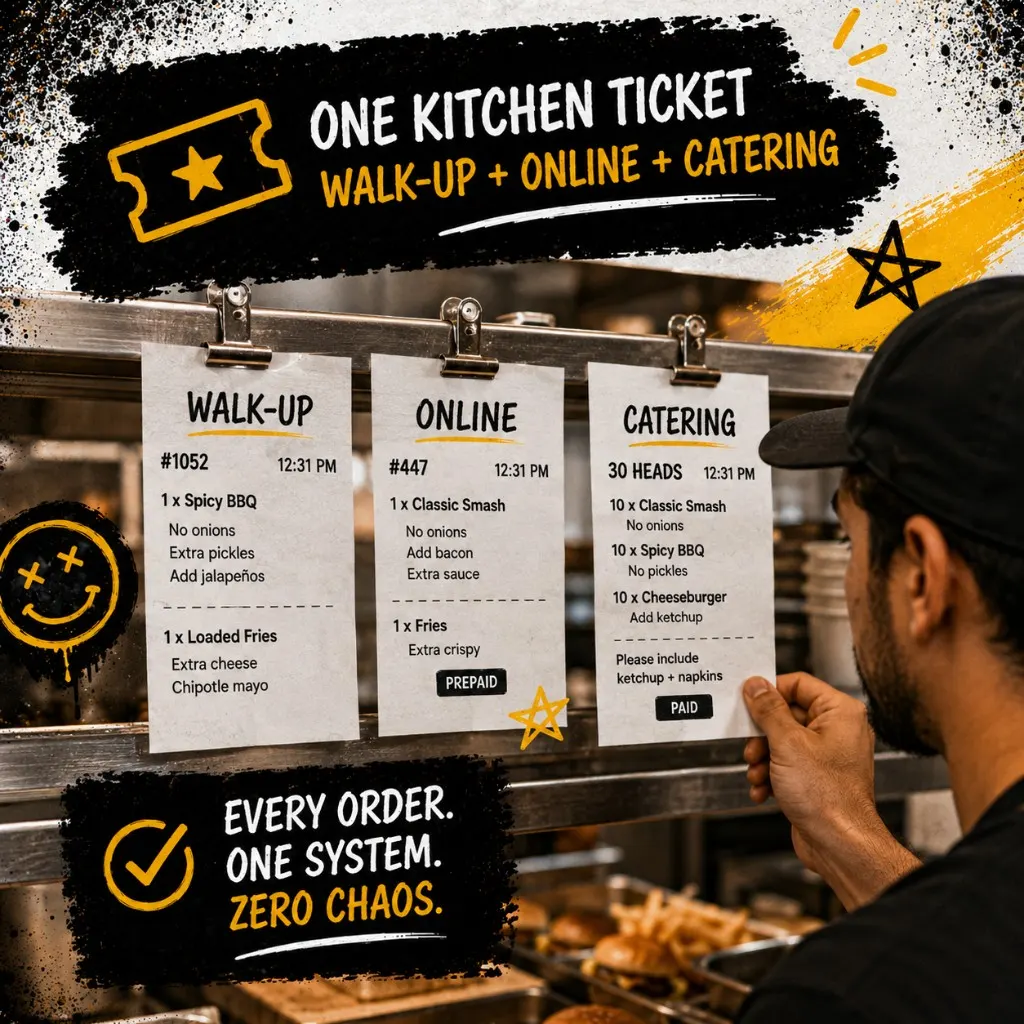
The worst POS setup prints walk-up tickets on one printer and online orders on a tablet someone has to babysit. The pass can't read two boards during a sellout night. One rail. Clear labels. Same modifier language.
Tag tickets by source: Walk-Up, Online, Catering. Same item names online and in-store. When you 86 the special, it should disappear on both paths before someone orders it twice.
Integrations Worth Paying For (and What You Can Skip)
Sales reps bundle inventory, payroll, and loyalty you won't touch for a year. For trucks and single-location independents, prioritize integrations that stop double entry and lost tickets.
- Must-have: Online ordering sync, payment processor you already trust, basic sales reporting.
- Worth it at volume: Kitchen display, accounting export, tip pooling rules that match your payroll.
- Skip until you need it: Full inventory suite, franchise reporting, app store branded apps when a link fills the truck.
Total Cost: Hardware, Software, and Processing
The quote never ends at monthly software. Add terminals, printers, processing basis points, and the hour you'll spend on hold when something breaks on a Saturday. Model year one before you sign.
Usage-based direct ordering stacks often beat fixed POS add-ons when volume swings week to week. A truck doing 80 orders one weekend and 200 the next shouldn't pay the same platform bill both weeks. Run the calculator at your real numbers.
Five POS Mistakes Trucks and Pop-Ups Regret
- Buying for dine-in when you're 90% window. You paid for table management you'll never open.
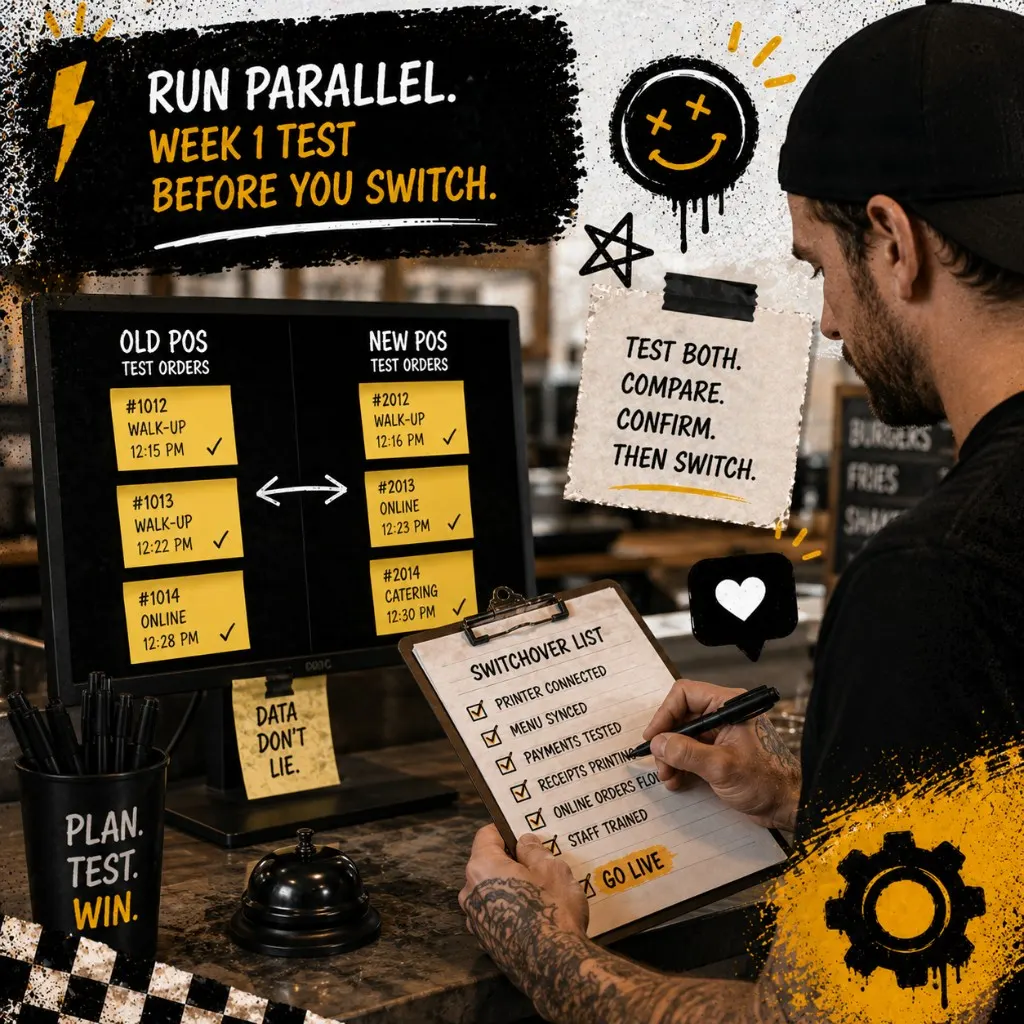
- Skipping the parallel test week. Flip everything on festival Saturday and you'll blame the kitchen, not the switchover.
- Two ticket paths with no labels. Online and walk-up look identical on the pass until a modifier gets missed.
- Ignoring offline mode. One dead hotspot shouldn't mean cash-only and a line of angry guests.
- Signing annual before you run a busy week. Return policy exists for a reason. Use it if the hardware can't keep up.
Templates
Common questions about modern restaurant POS systems
Modern POS isn't the newest logo on your counter. It's one ticket path, payments that work when the internet doesn't, and integrations that stop your kitchen from playing telephone with three screens. Run the readiness check, model total cost, print the integration checklist, and test parallel before you flip the whole shop.
Direct ordering that hands off clean to your kitchen
Outbites connects to the POS and payment stack you already run. Branded checkout, capped pre-orders, and tickets your pass can read without a second tablet babysitter.
Start with Outbites
Katie Carswell
Account & Social Media Manager
Sharing firsthand stories and lessons learned from running an independent restaurant: margins, marketing, and owning your customer relationships.
How this guide was put together
This article was written for independent food businesses looking for practical ways to grow direct orders, repeat visits, and customer relationships. We keep the advice operator-focused, avoid generic playbooks, and update posts when the restaurant marketing landscape changes.