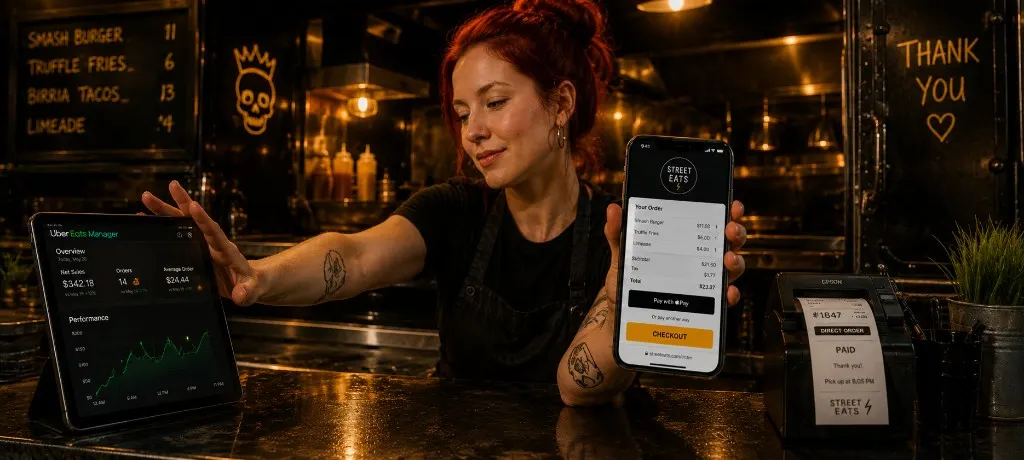
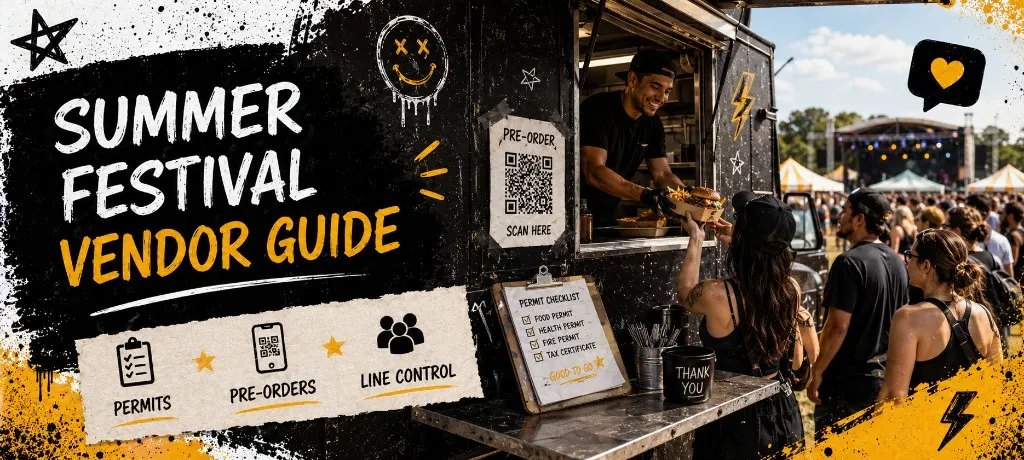
TL;DR
Confirm permits and insurance 30+ days out. Cap pre-orders to kitchen math before you promote the festival link. Run fixed pickup windows with a separate pre-order lane from walk-up. Close checkout at 80% capacity and post sold out everywhere when the cap hits.
Summer festival season sells vendors on crowds, sunshine, and a line out to the beer garden. Then load-in day hits and the organizer asks for a health permit you thought was automatic, or your pre-order link accepts 200 tickets when your crew can fire 90. Festival ops fail in two places: paperwork before the gate and math at the window.
This guide covers permits, pre-orders, and line control for food trucks and mobile vendors at outdoor events. For deep slot models and bag labels, see the event pre-order ops guide. For weekly QR and location SMS setup, pair it with the food truck ordering system guide.
Permits and Paperwork Before You Sign the Contract
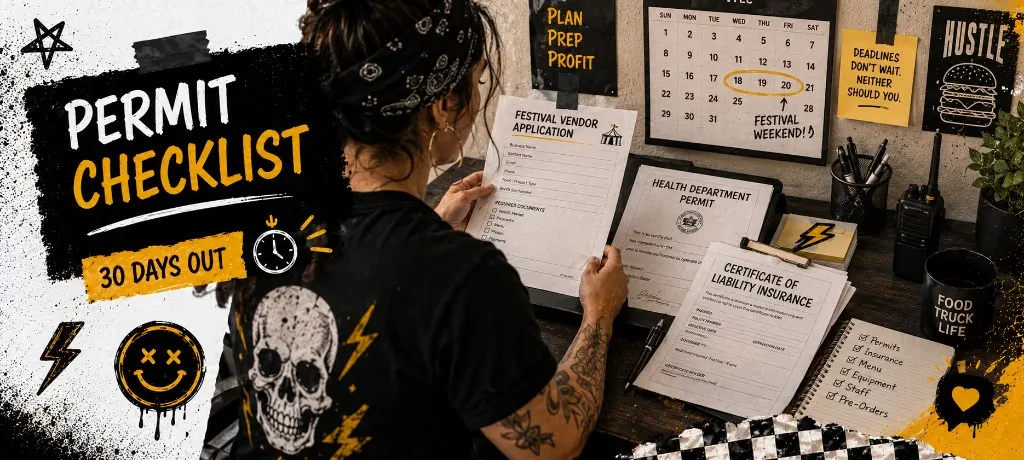
The booth fee is the easy number. The paperwork stack is what gets vendors turned away at the gate. Every festival and county runs slightly different rules, but the same documents show up on repeat.
- Festival vendor application with booth size, power needs, and propane or open-flame details
- County or state temporary food service permit (often separate from your annual mobile unit license)
- Certificate of insurance naming the festival as additional insured
- Fire marshal or propane inspection sign-off if you run a flat top, fryer, or smoker on site
- Signed vendor agreement covering load-in times, revenue share, and waste disposal
60 / 30 / 14-day timeline
- 60 days out: Submit festival application and confirm health department temp permit requirements for that county.
- 30 days out: File temp food service permit, order insurance cert with festival listed, confirm propane or fire review if required.
- 14 days out: Upload all docs to the festival portal, print physical copies for load-in, confirm booth power and water hookup.
- Day before: Pack permit binder, insurance cert, and vendor agreement in a waterproof folder at the truck.
Pre-Orders That Match Festival Capacity
Walk-up only works when volume is predictable and the menu is short. Summer festivals blow that up by noon. Demand spikes on a clock. Guests drive across town. Your line can't absorb 150 tickets in a two-hour window without a cap and a plan.
- You know the date and can batch prep instead of guessing every ticket at the window
- Guests want a pickup promise before they fight parking and festival entry lines
- You need to cap total covers so food cost and labor stay sane on a flat festival fee
- You're running a festival menu, not your full truck menu with forty modifier combos
Festival menus should stay at three items max: one protein, one side, one add-on or drink bundle. If a modifier needs a conversation at the window, cut it. Batch prep is the whole point.
Run the capacity check below before you publish the festival link. If the math says 80 orders max and your promo promises unlimited bowls, change the promo, not the kitchen.
Close checkout at 80% of cap, not at 100%. The last 20% fills with walk-ups, festival staff comps, and the friend who DM'd you at 11:45 AM. Post sold out on stories the moment checkout closes.
Set your cutoff time next. Most festival vendors close pre-orders 24–48 hours before the first pickup window so prep can batch proteins and you aren't taking tickets at midnight the night before load-in.
For sellout announcement cadence and promo copy structure, borrow timing from the pop-up restaurant playbook. Festivals run the same capped energy with more foot traffic and less margin for error.
Line Control Without Killing Walk-Up
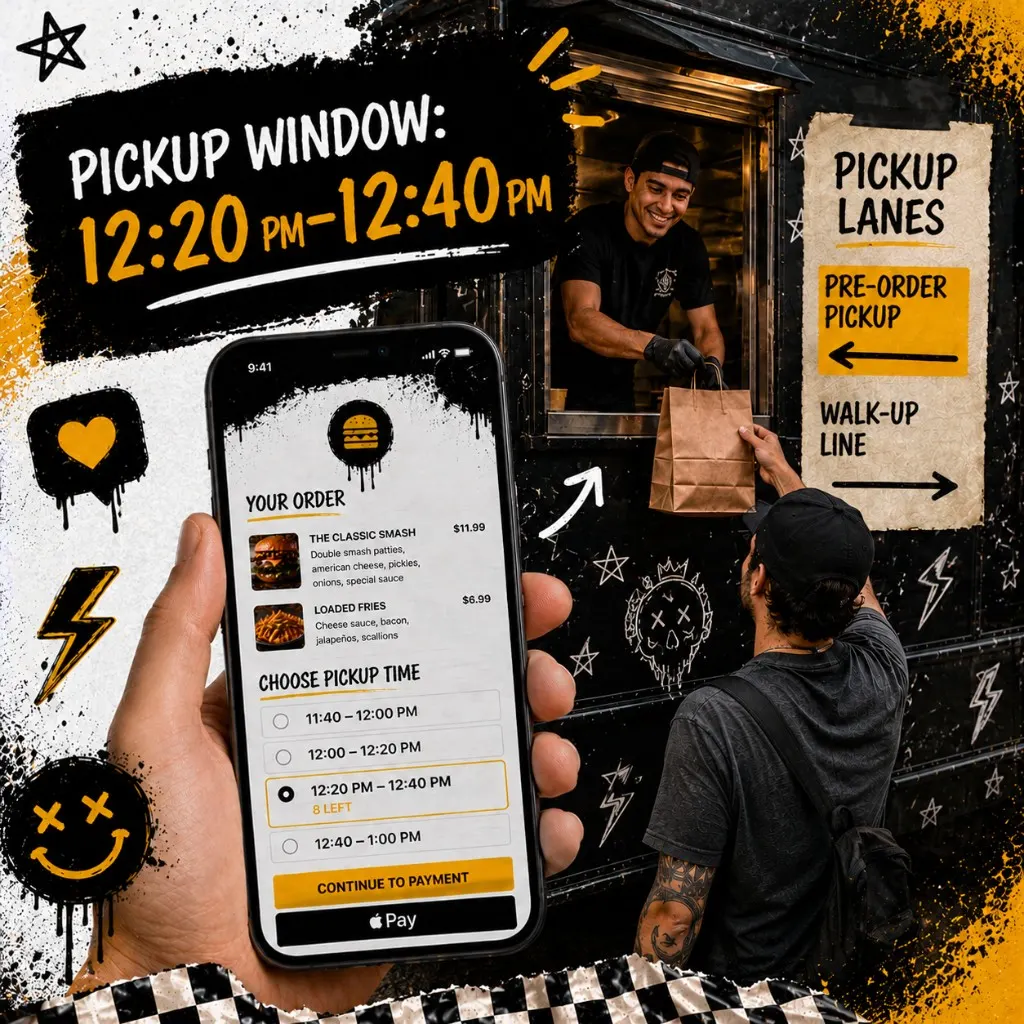
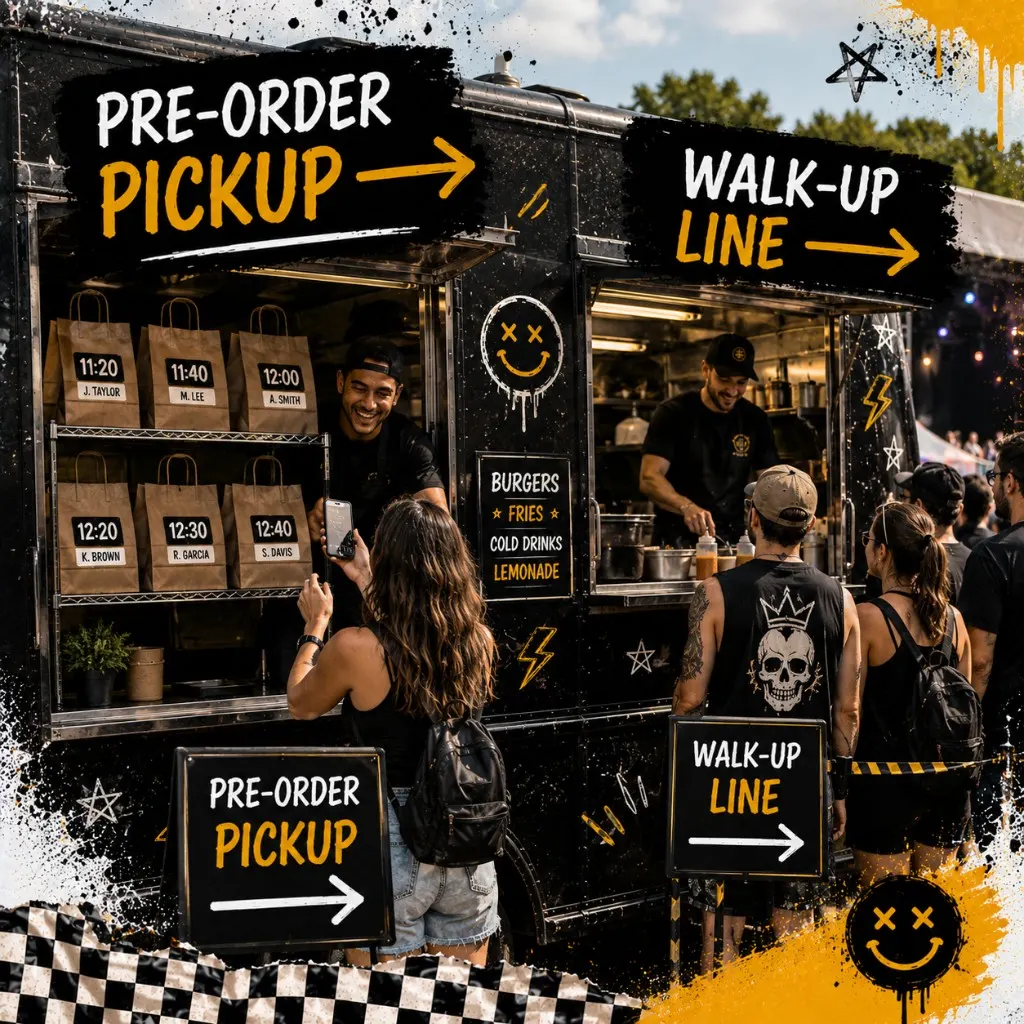
Festival guests who pre-ordered don't want to stand in the same line as walk-up tickets. Split the lanes. Pre-order pickup on one side with a sign and a shelf for labeled bags. Walk-up ordering on the other with a visible menu board and a separate queue.
- Tape the QR code at eye level on the pre-order side, not buried on a sandwich board behind the truck
- Run fixed 20-minute pickup windows with a hard order count per window
- Close a window in checkout when the board shows it full, not when the line argues about it
- Keep one person owning slot updates so online checkout matches the sign at the window
Build your pickup windows before you publish the festival link. Fixed slots with a hard cap per window keep the expo line readable. Use the builder below, copy the slot list, and tape it at the window.
Day-of Festival Ops
Festival day isn't a normal service window. Assign one expediter who reads pre-order tickets by pickup window, not by order time paid. Large readable labels: last name, slot, item count. Stage cold items separate from hot so early windows aren't waiting on fries for late windows.
- Print or display the slot sheet at the pre-order pickup counter. Expediter calls by window, not by payment order.
- Label every bag: last name, pickup window, item count.
- Post sold out everywhere the moment cap hits: stories, booth sign, festival app if they allow vendor updates.
- Hold completed bags on the shelf for the window, not in the hot well.
- Capture opt-ins at pickup for walk-up guests who skipped pre-order. Tablet at the counter beats a clipboard.
Five Festival Vendor Mistakes That Kill the Day
- Signing the booth fee before permits are confirmed. You paid for the spot. The county hasn't approved your temp license yet. Confirm paperwork before you announce.
- Open pre-orders without a cap. You post sold out at 12:30 with 40 tickets still firing. Cap before you promote.
- One line for pre-order and walk-up. Pre-order guests waited at home. They won't wait again behind forty walk-up tickets.
- Letting checkout stay open after the board closes. Nothing erodes trust faster than paying for a 12:20 pickup when that window died at 11:45.
- No sold-out update anywhere. Guests keep driving in because your Instagram still says order now. Close checkout and post sold out on every channel at once.
Templates
Common questions about summer festival food vending
Summer festivals reward vendors who treat permits like load-in gear and pre-orders like kitchen tickets. Cap the menu, cap the orders, split the lanes, and post sold out when checkout closes. Do that and festival season becomes repeat bookings instead of a story about the line that never moved.
Capped festival pre-orders on a link you own
Outbites handles festival menus, pickup slots, order caps, and checkout contact capture in one stack. No marketplace commission on the event you already paid to vend.
Start with Outbites
Katie Carswell
Account & Social Media Manager
Sharing firsthand stories and lessons learned from running an independent restaurant: margins, marketing, and owning your customer relationships.
How this guide was put together
This article was written for independent food businesses looking for practical ways to grow direct orders, repeat visits, and customer relationships. We keep the advice operator-focused, avoid generic playbooks, and update posts when the restaurant marketing landscape changes.