TL;DR
GBP is the best free marketing lever for restaurants. It controls Maps, the local three-pack, and the knowledge panel. Finish verification, add 10+ photos, answer reviews, and post weekly. Use the setup tool below (same one in the site toolbar) to walk through each field. Verification takes 5-14 days. Fill in the rest while you wait for the code.
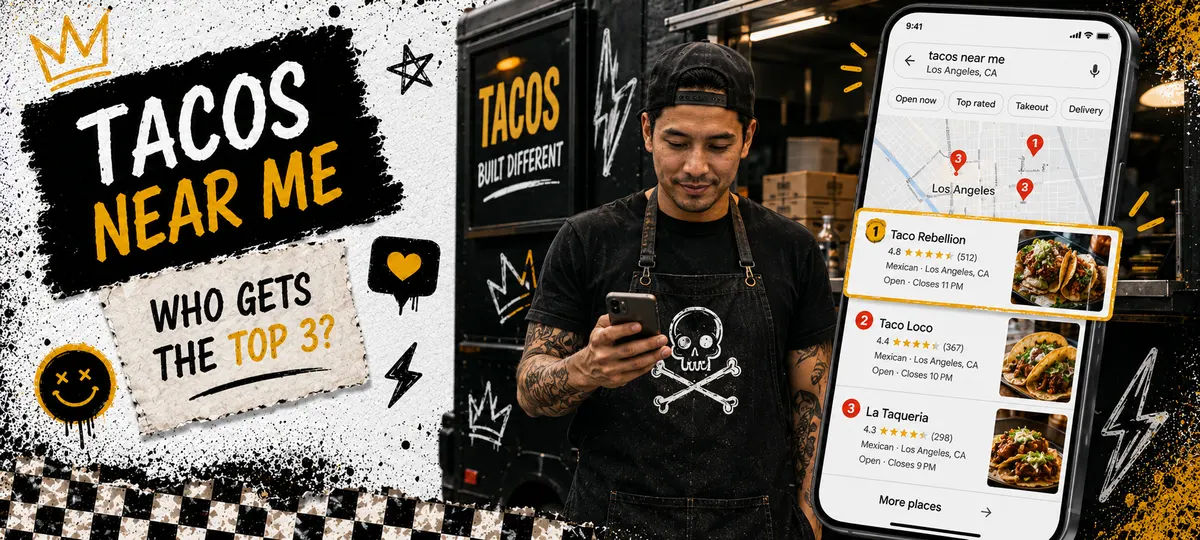
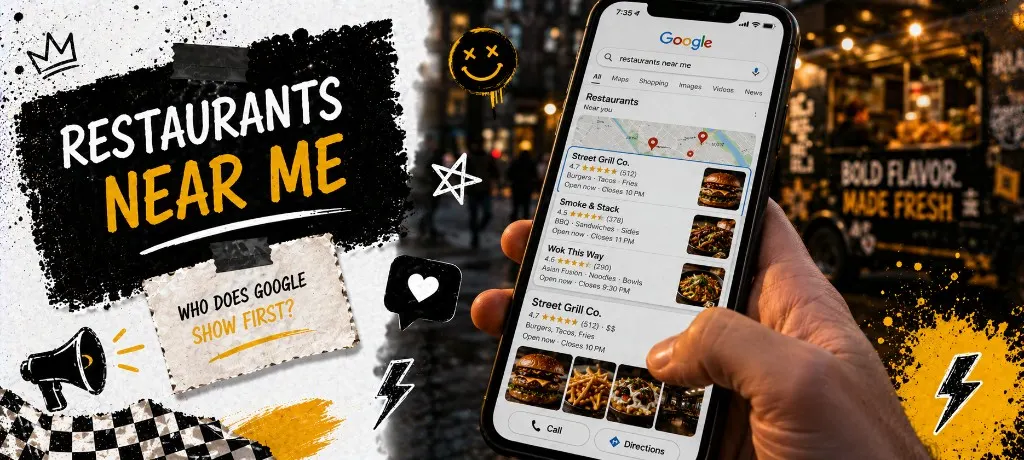
When someone types "tacos near me" or "best pizza in Austin" into their phone, Google decides which three restaurants to show at the top. That decision is based almost entirely on Google Business Profile data. Not your website. Not your Instagram. Your GBP listing.
Use the setup tool below to walk through creating or completing your profile. It saves your progress and gives you exactly what to enter at each step.
What Google Business Profile Actually Does for Restaurants
GBP is not just a listing. It is the single most powerful free marketing tool for any local food business. Here is what it controls.
Why Most Restaurant Owners Skip GBP (And Why That Is a Mistake)
The three reasons restaurant owners skip or neglect their GBP: they think it is automatic (it is not), they started it but never finished verification, or they set it up years ago and never updated it. All three leave money on the table.
An incomplete profile is worse than no profile in some cases. If your hours are wrong, guests show up to a closed restaurant and leave a one-star review. If your phone number is outdated, catering inquiries go to a dead line. If you have zero photos, Google shows a grey placeholder and guests scroll past to the competitor with appetizing images.
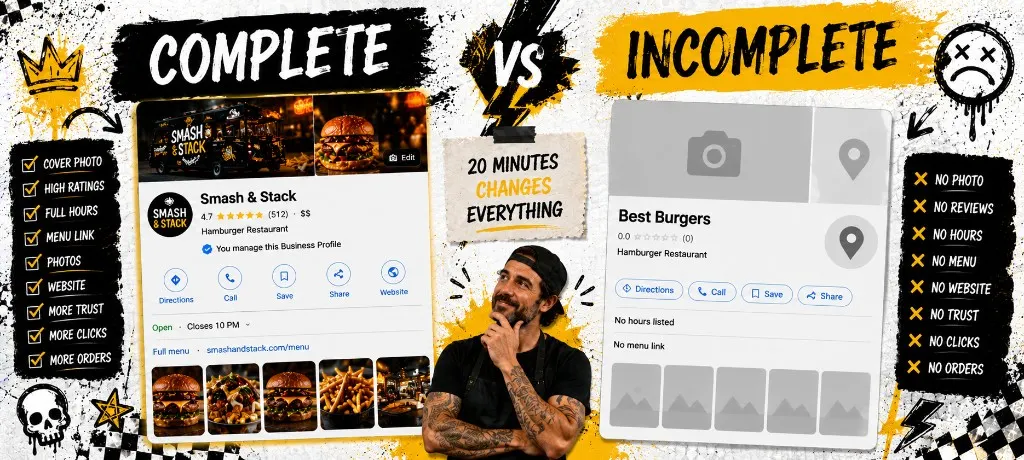
How to Set Up Your Google Business Profile (Step by Step)
1. Claim or create your listing
Go to business.google.com and search for your business name. If it already exists (Google often auto-creates listings from public data), claim it. If not, create a new one. Use your exact business name as it appears on signage and branding. Do not stuff keywords into the name field.
2. Choose the right primary category
This is the single most important ranking factor for Google Maps. Be as specific as possible. "Mexican Restaurant" beats "Restaurant." "Food Truck" beats "Fast Food Restaurant" if you are a truck. You get one primary and up to nine secondary categories. Pick the primary that matches what most customers search for.
Not sure which category fits your format? Use the picker below. Tap your business type and copy the recommended primary, secondary categories, and a format-specific tip straight into GBP.
3. Verify your business
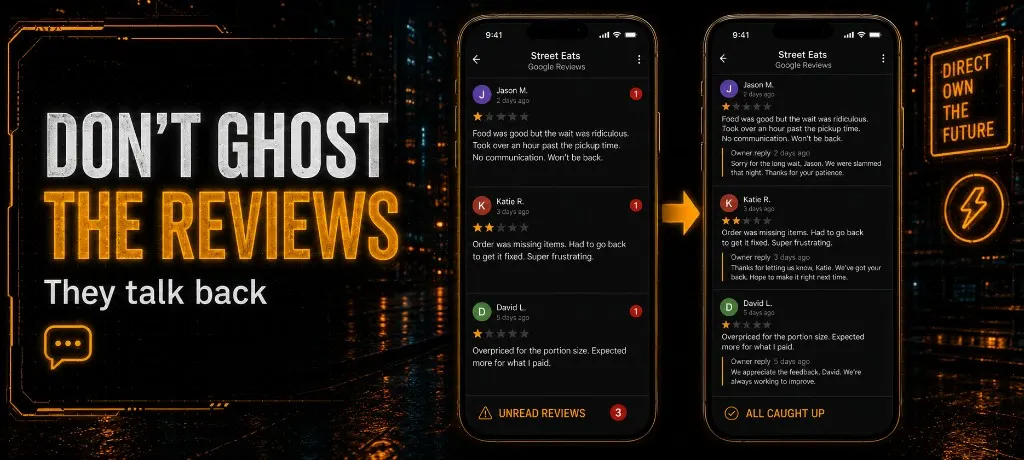
Google needs to confirm you are real. Verification options include postcard (5-14 days), phone call, email, or video. Do not skip this. Unverified profiles cannot respond to reviews, post updates, or access insights. The postcard method sends a code to your physical address. Enter it when it arrives.
4. Optimize every field
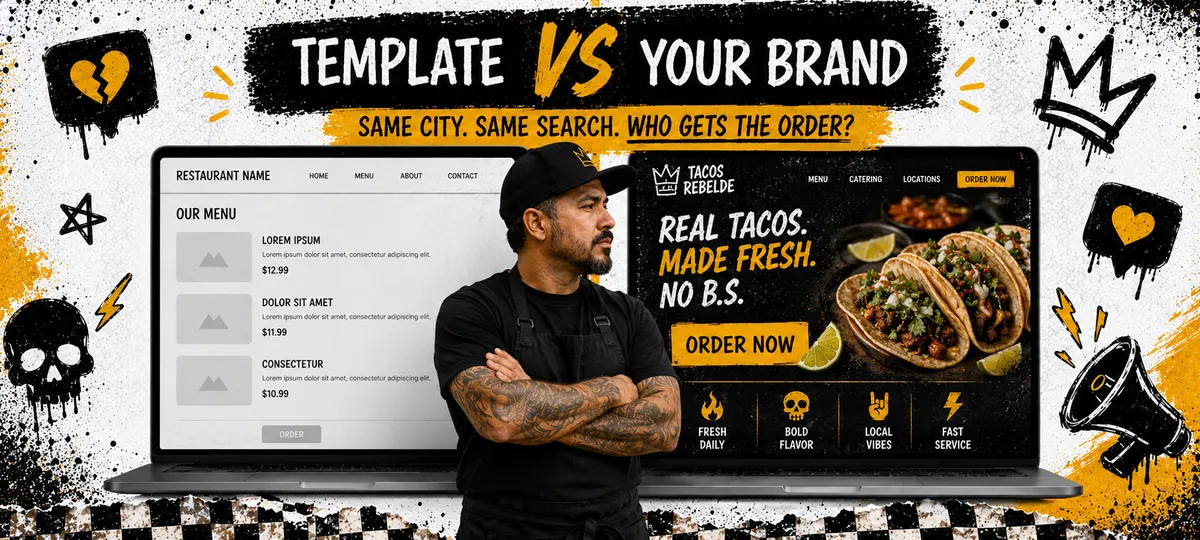
After verification, fill in everything Google offers: business description (750 characters, use your city and cuisine type), attributes (outdoor seating, delivery, wheelchair access), service areas for food trucks, products/menu items, and an opening date. Point your website URL at a site you control. Still on a template? See our custom restaurant website guide. The more fields you complete, the more signals Google has to rank you.
5. Upload 10+ photos
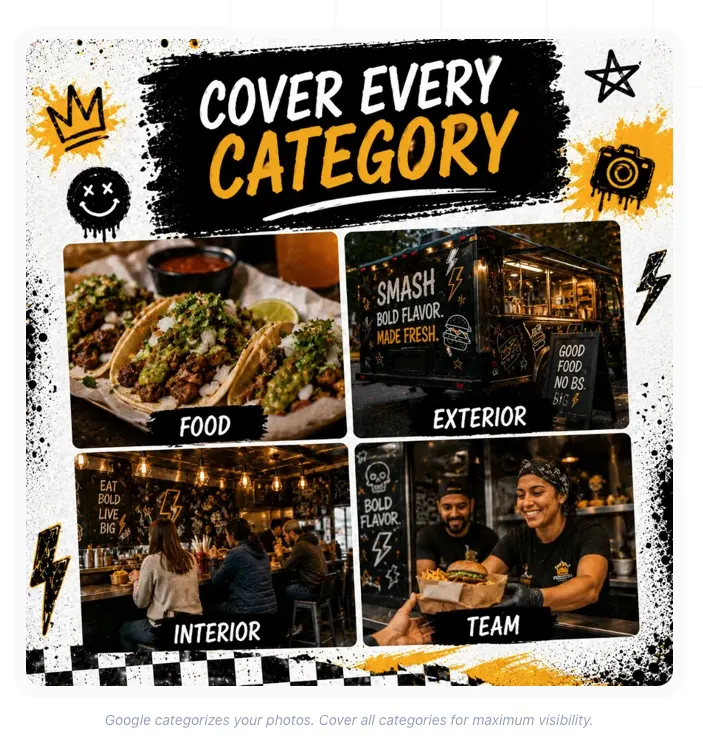
Profiles with photos get 42% more direction requests and 35% more website clicks. Upload your best food shots, your exterior or truck, interior, team members, and menu board. Google categorizes photos automatically. Aim for at least 3 food photos, 2 exterior shots, 2 interior/truck shots, and 3 action shots of staff or customers.
Maintaining Your Profile (5 Minutes Per Week)
Setting up GBP is step one. Maintaining it is what separates you from competitors who set and forget. Google rewards active profiles with higher rankings. Here is the weekly routine.
Fold this into your existing weekly rhythm. Our 30-minute local marketing routine reserves about eight minutes for GBP: hours, photos, one post, and a quick insights check. For review velocity, pair it with how to get Google reviews without being annoying.
Connect GBP to Your Direct Ordering
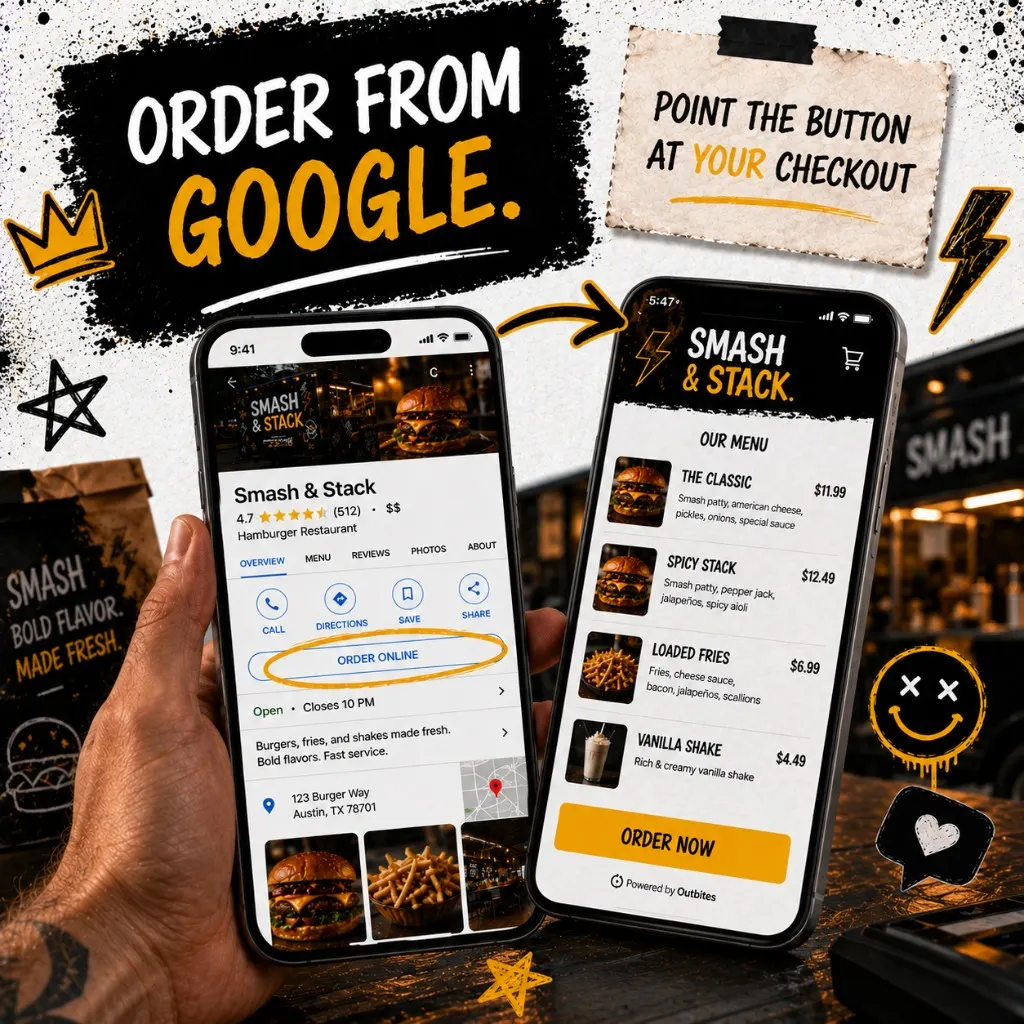
Google Business Profile lets you add an "Order" button that links directly to your own ordering page. This is free traffic routed to a channel where you keep 100% of the margin. If you use a third-party delivery app link here instead, you pay commission on traffic Google sent you for free. For the full channel shift off marketplaces, use the direct ordering playbook.
With Outbites, your direct ordering link works as the GBP order action URL. Every guest who clicks "Order" from Google Maps goes straight to your branded checkout. No commission. No middleman. Just the $1 per fulfilled order that covers payment processing, hosting, and the entire platform.
Common questions about Google Business Profile
Templates
Common questions about Google Business Profile
Google Business Profile is the single highest-return activity for any restaurant that wants more local customers. It is free. It takes 20 minutes to set up. And it directly controls whether hungry people in your area find you or your competitor. GBP is the foundation. On-page SEO, citations, and title tags are the next layer. When you are ready to go deeper, the restaurant local SEO playbook walks through NAP, pages, and Search Console without repeating setup basics here. Do not overthink this. Open the setup tool, fill in each field, and start getting found.
Ready to connect GBP to direct ordering?
Connect your Google Business Profile order button to Outbites and capture every customer who finds you on Google Maps. Direct ordering, loyalty, and marketing tools included. One dollar per fulfilled order.
Start with Outbites
Katie Carswell
Account & Social Media Manager
Sharing firsthand stories and lessons learned from running an independent restaurant: margins, marketing, and owning your customer relationships.
How this guide was put together
This article was written for independent food businesses looking for practical ways to grow direct orders, repeat visits, and customer relationships. We keep the advice operator-focused, avoid generic playbooks, and update posts when the restaurant marketing landscape changes.